
Why 9 out of 10 Squarespace experts Recommend SQSP Themes
We know what it's like to feel stuck on a project, unable to bring your client's vision to life. The search for answers can be frustrating – endless web searches, unanswered messages to developers. We've been there too.
That's why we exist. We want to help you turn those frustrating projects into creative successes.
What we offer
Premium plugins and trusted support
If you need to extend the functionality of your site, we either have a solution or know the folks who do. Our easy to install and customize plugins are trusted by over 18,000 designers and business owners.

The plugin supports both versions of Squarespace 7.0 and 7.1 and works on all templates.
Note: Videos will not play automatically on mobile devices!
Enhance your site's visual appeal by transforming any video link into a captivating lightbox/modal popup with ease.
Features:
Compatible with Squarespace buttons and galleries, enabling diverse applications.
Leverage our CSS generator for deep customization to align with your brand's style.
Easy setup process — we provide detailed support to help you every step of the way.
Ability to set Aspect Ratio.
Open Video Block in Lightbox.
Compatible:
Vimeo
YouTube
Loom
Wistia
Demo:
Vimeo Demo
YouTube Demo
YouTube Shorts Demo
Want to see the setup process before you buy?
Got any questions?
Check out the FAQ and reviews below.
Looking for something special?
Check out these code snippets.

The plugin supports both versions of Squarespace 7.0 and 7.1 and works on all templates.
Effortlessly enhance your Squarespace website by adding a fully customizable sidebar to any template.
Features:
Streamline content organization with an easily created page for your sidebar that this plugin will activate site-wide.
Optimize the layout with adjustable width, position, and margins; plus, you have the ability to make your sidebar sticky for greater accessibility.
Easy to install and customize
Change styles without special knowledge
Change styles for a specific sidebar without affecting others
Ability to add two sidebars on one page
Options to show or hide the sidebar on specific pages
Demo
Here’s a recent customer example
Want to see the setup process before you buy?
Got any questions?
Check out the FAQ and reviews below.
Looking for something special?
Check out these code snippets.

The plugin supports both versions of Squarespace 7.0 and 7.1 and works on all templates except Galapagos and Supply.
The plugin extends the built-in functionality of Product Variant Images:
Works in both directions (when you select an option or click on an image)
Works in Quick View
You can set which option(s) will change images
You can group thumbnails by selected option(s)
Demo:
Want to see the setup process before you buy?
Got any questions?
Check out FAQ and reviews below.
*Note the default spelling is Color but can be changed to Colour
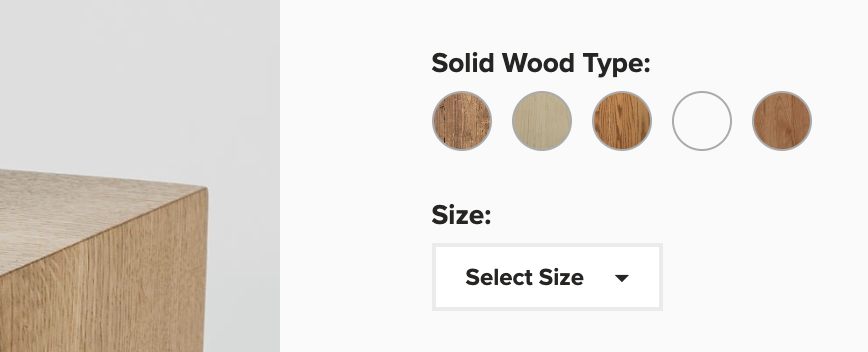
The plugin supports both versions of Squarespace 7.0 and 7.1
Optimize your product variant displays on Squarespace with visual swatches, allowing customers to see color, size, and pattern options at a glance.
Features:
Replace traditional text dropdowns with interactive swatches.
Easily assign hex codes for colors, or use images to represent patterns and variations
Personalize the appearance of your swatches to maintain consistency with your brand
Benefit from continuous free email support
Want to see the setup process before you buy?
Got any questions?
Check out the FAQ and reviews below.
Looking for something special?
Check out these code snippets.
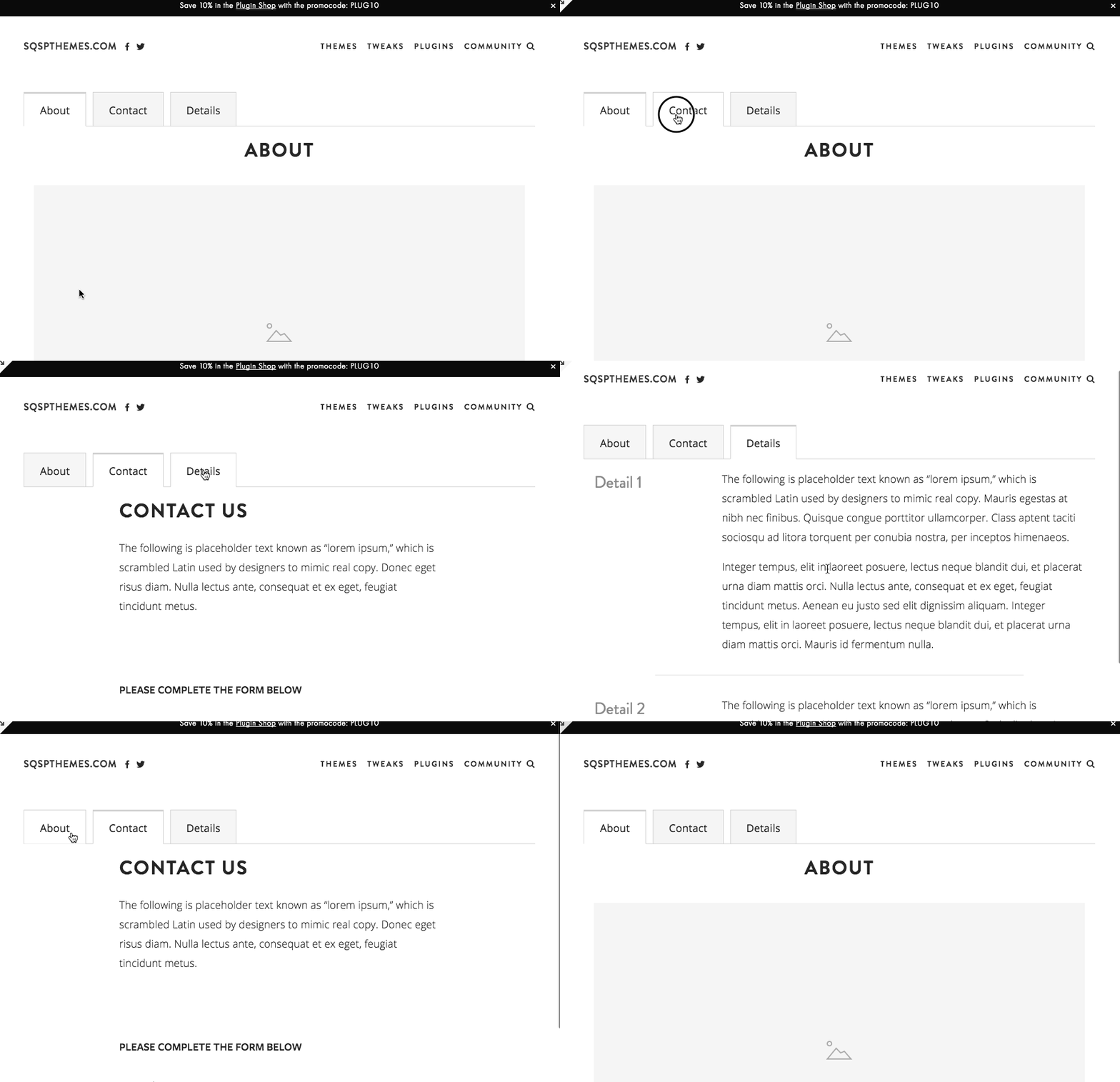
The plugin supports both versions of Squarespace 7.0 and 7.1 and works on all templates.
Turn complex, cluttered content into an organized, user-friendly format with accordion menus and tabbed content, all without the need for coding.
Features:
Save hours of valuable time
Clear instructions and detailed videos make setup easy
Customize your accordion tabs with ease with the CSS generator
Your content will look great across all devices
Exceptional customer support that's always on standby
Want to see the setup process before you buy?
Note: The "Local" option only works for pages that don't use Fluid Engine and has been removed from the plugin instructions, but it still works.
Got any questions?
Check out the FAQ and reviews below.
Looking for something special?
Check out these code snippets.

Create beautiful multi-tier dropdown menus with no coding required.
The plugin only works in version 7.1!
Here’s how it works:
You’ll create a page specifically for your mega menu content - and this plugin will display it as a mega menu on your site.
Once you download the plugin, you’ll have to option to customize the sidebar width, position, margins and you can even make it sticky.
The best part about this plugin is how easy it is to setup. And even if you’re not comfortable uploading files to your site or copy and pasting code - it’s ok. We’ll help.
Got any questions?
Check out the FAQ and reviews below.
Want to see the setup process before you buy?
Looking for something special?
Check out these code snippets.

The plugin supports both versions of Squarespace 7.0 and 7.1 and works on all templates except Montauk.
Add a Play/Pause and Mute/Unmute to your background videos.
Fully customizable, you can hide buttons, change colors, size, position without special knowledge.
Note: We removed the unmute option from the plugin instructions because in most cases a video will not work (default browser settings don't allow autoplay video with sound)!
Demo:
Got any questions?
Check out the FAQ and reviews below.
Looking for something special?
Check out these code snippets.
The plugin supports both versions of Squarespace 7.0 and 7.1
The plugin displays the quantity left in stock for a selected variant. By default, the plugin is enabled on Product Page, but you can enable it on Products Page, in Product Block and in Product Quick View.
Features:
Ability to set a threshold after which the indicator will be visible
Ability to change a default template
Ability to change color and font size
Want to see the setup process before you buy?
Got any questions?
Check out the FAQ and reviews below.
Looking for something special?
Check out these code snippets.
The plugin supports both versions of Squarespace 7.0 and 7.1
The best way to create rotating testimonials in Squarespace.
Here’s how it works:
You’ll create a blog specifically for your testimonials - and this plugin will display it as a slider on any page on your site.
The best part about this plugin is how easy it is to setup. And even if you’re not comfortable uploading files to your site or copy and pasting code - it’s ok. We’ll help.
Works with any template
Fully responsive
Easy to install and customize
Free email support
Want to see the setup process before you buy?
Got any questions?

The plugin supports both versions of Squarespace 7.0 and 7.1 and works on all templates except Galapagos.
Note: The plugin adds only The Reviews Widget.
This plugin dynamically configures The Reviews Widget for each product in your store, without you having to manually add and configure it for each product. A HUGE timesaver and a great way to get reviews up.
Want to see the setup process before you buy?
Got any questions?
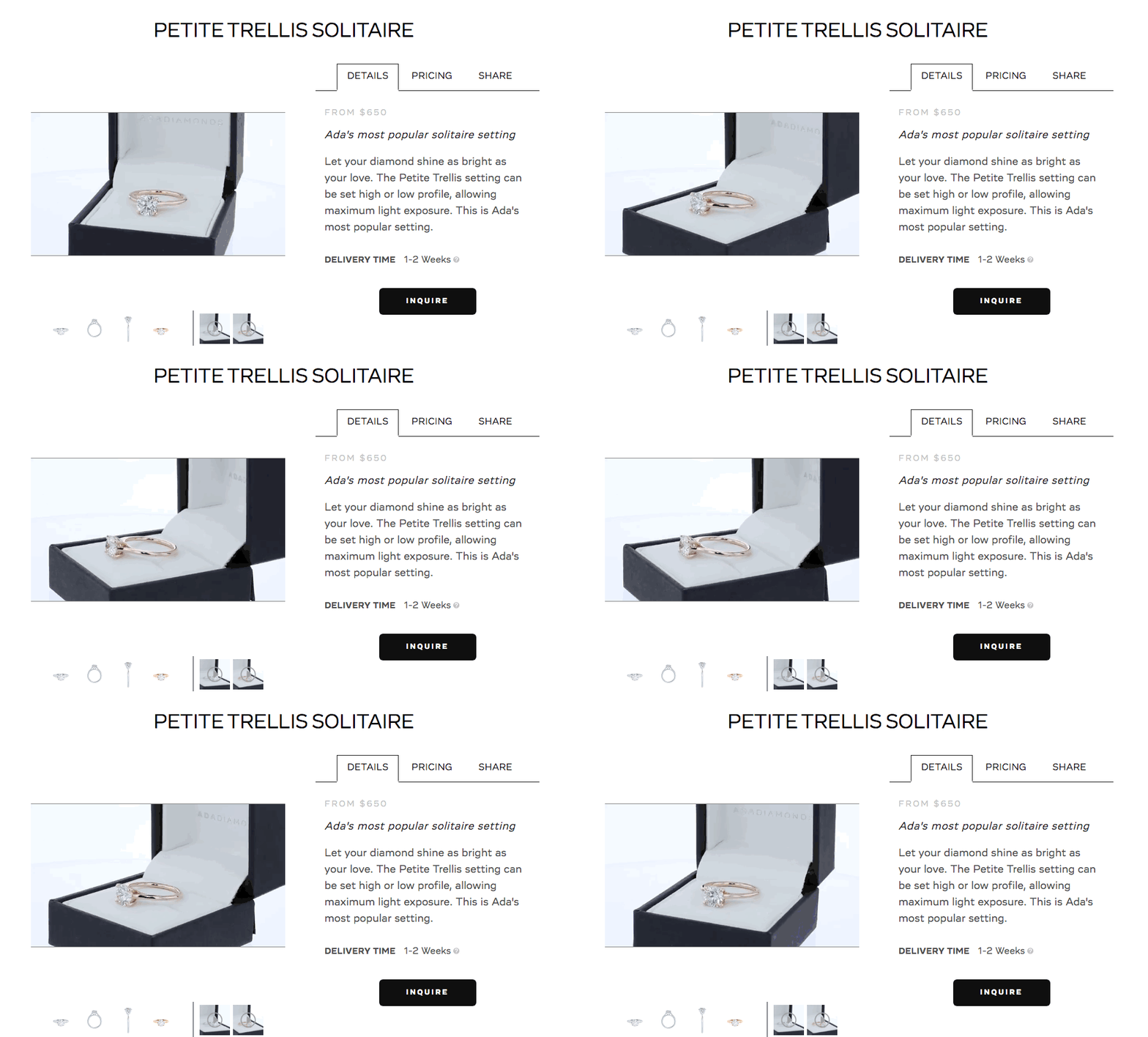
The plugin supports both versions of Squarespace 7.0 and 7.1
Add video to a Squarespace product seamlessly without touching any code.
Now you can showcase videos in the primary position where the product image gallery currently is.
Want to see the setup process before you buy?
Got any questions?

The plugin supports both versions of Squarespace 7.0 and 7.1
The plugin will automatically add a summary block if it finds related posts based on categories and tags of the current post. All options of Summary Block will be available for customization. The current post will be hidden.
Features:
Autoplay for the carousel design
Ability to show items in a random order
Ability to set the number of related posts to display
Ability to filter only by categories or tags
Current post is hidden
Want to see the setup process before you buy?
Click to Watch Setup Video (7.0 version)
Click to Watch Setup Video (7.1 version)
Got any questions?
Check out the FAQ and reviews below.
Looking for something special?
Check out these code snippets.

Upgrade your blog navigation with our Blog Pagination with Images plugin. It replaces standard pagination with a more attractive, image-driven design, helping readers browse your posts more easily with preview images, custom titles, and post dates.
Key Features:
Image Previews: Add thumbnail images to pagination links for a more visual experience.
Customizable Look: Adjust sizes, fonts, and colors to match your site.
Post Dates: Optionally show post dates with customized text.
Easy Integration: Works seamlessly on all devices with minimal setup.
No coding needed—just use simple CSS adjustments to make your blog stand out and keep readers engaged.

Make your subscription options stand out with this easy-to-use plugin. While Squarespace lets you add subscription choices, they don't always look great. This plugin enhances the design, making your product pages cleaner and more professional.
What it does:
Improved Design: Transforms the default subscription options into a more visually appealing layout.
Clear Savings: Shows discounts clearly, helping customers see the value of subscribing.
Easy Setup: No coding required—just install the plugin, and your subscription options will automatically look better.
Give your customers a better shopping experience and increase subscriptions with this simple style upgrade.

The plugin supports both versions of Squarespace 7.0 and 7.1
Add a sense of urgency to your next event, sale, promo, etc.
Easy to install and customize to match your template.
Features:
Ability to set an event after the timer expires (Hide, Open Lightbox, Redirect to Another Page, Replace With Text, Add Text Before, Add Text After)
Ability to set a fixed time instead of the end date
Easy to customize
Want to see the setup process before you buy?
Got any questions?
Check out the FAQ and reviews below.
Looking for something special?
Check out these code snippets.

The plugin supports both versions of Squarespace 7.0 and 7.1
The plugin does not support the focal point.
Add an interactive touch to your Squarespace store with a rollover effect that reveals the second product image on hover.
It works:
on Product Page
for Product Block
for Summary Block with products
Want to see the setup process before you buy?
Got any questions?

The plugin supports both versions of Squarespace 7.0 and 7.1
Enhance the visual appeal of your site with a masonry layout for gallery blocks, providing a dynamic and modern look to your image presentations.
(with the option to isolate individual galleries)
Rest assured with our dedicated support, ready to assist with setup and customization.
Want to see the setup process before you buy?
Got any questions?

The plugin supports both versions of Squarespace 7.0 and 7.1 (except gallery sections)
Keep your galleries fresh and engaging with randomized image sequencing, captivating visitors upon every page load.
Features:
Randomize all galleries or select individual blocks.
Control the initial display with an option to limit the number of items.
Fully compatible with any Squarespace template
Our responsive support team is there to guide you through the process, ensuring ease of use.
Want to see the setup process before you buy?
Click to View 2024 Setup Video
Got any questions?

- Squarespace review plugin with fully customizable design
- Automate review requests to get more 5-star reviews
- Lightning-fast responses to reviews with Wiremo Triggers
- Increase conversions by up to 25% with customer-uploaded product photos
- Highlight your best reviews strategically with Wiremo Carousel
- Boost organic SEO without additional charges
- Seamless integration with Squarespace and easy import of old reviews
- Conveniently get stellar reviews with Wiremo Campaign
- Easy setup in under a minute
- 24/7 customer support available for assistance
- Pricing starts at 19.99/mo
Custom Squarespace Templates
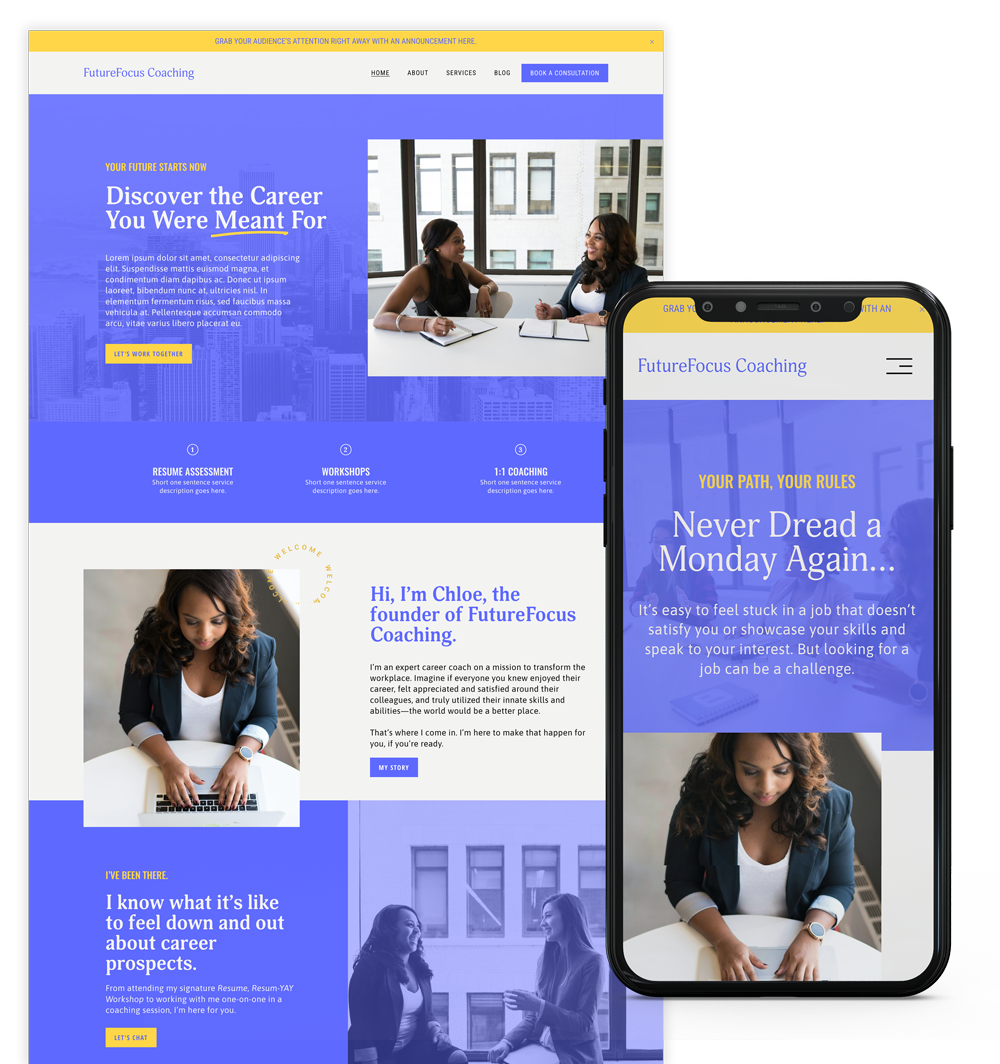
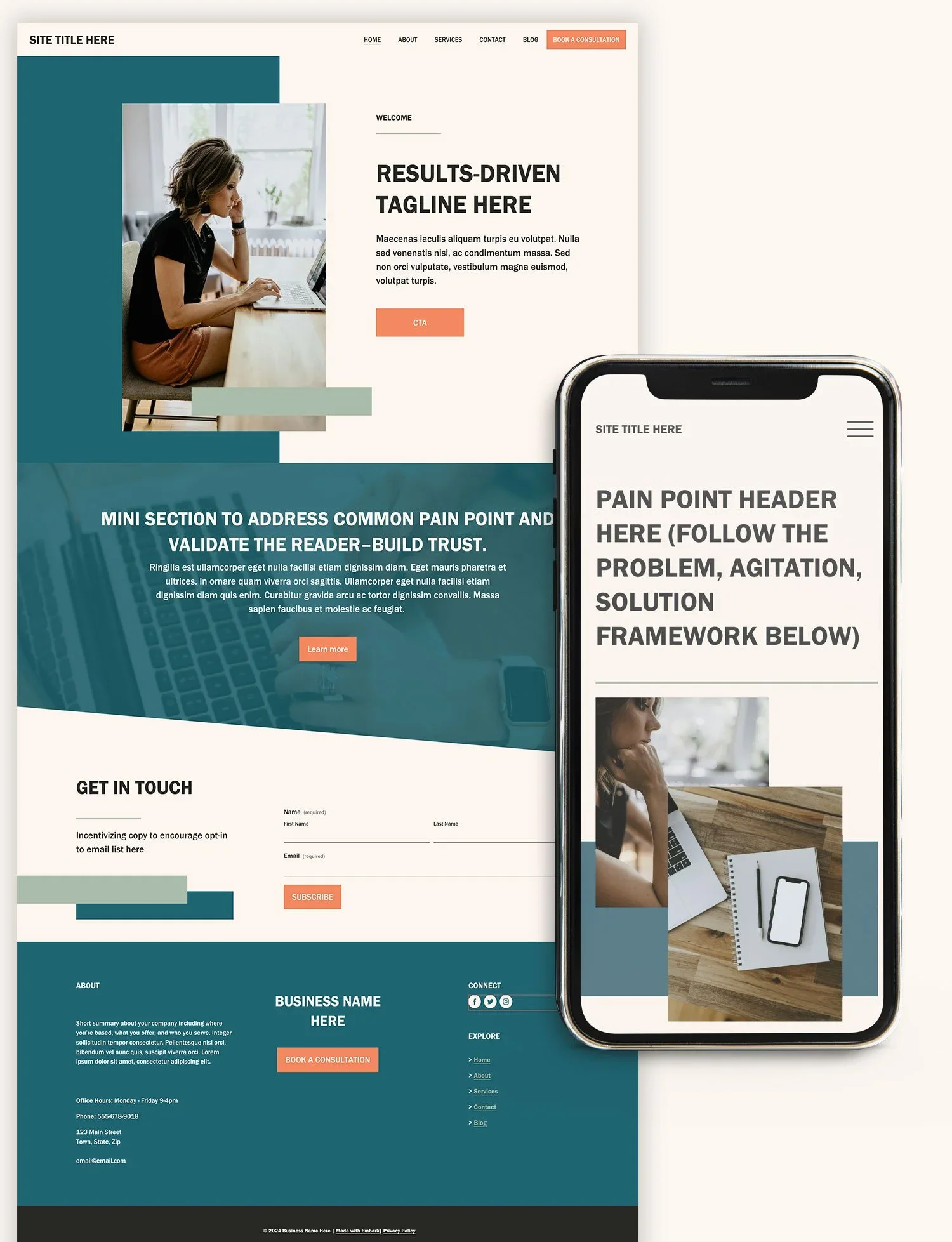
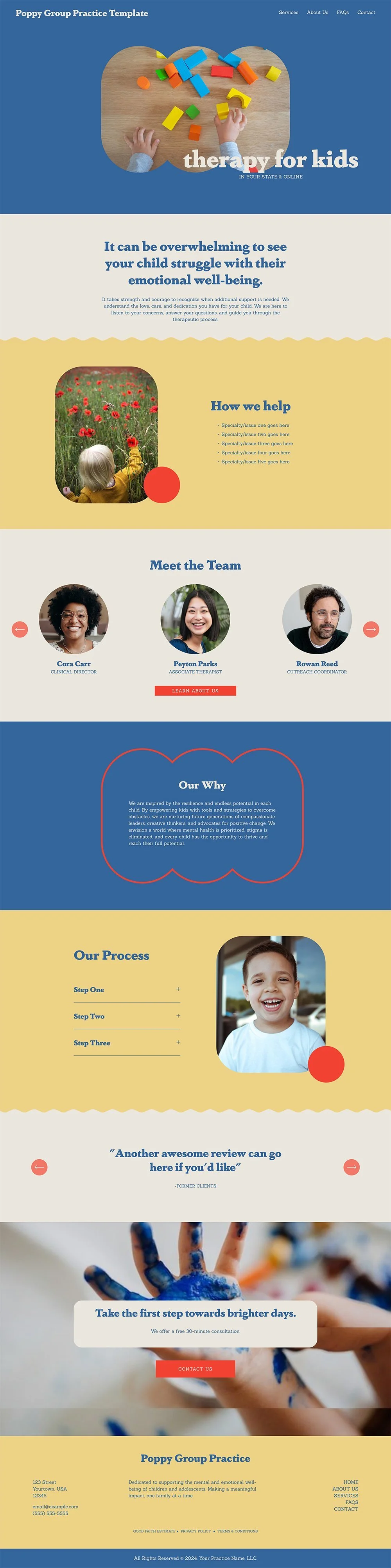
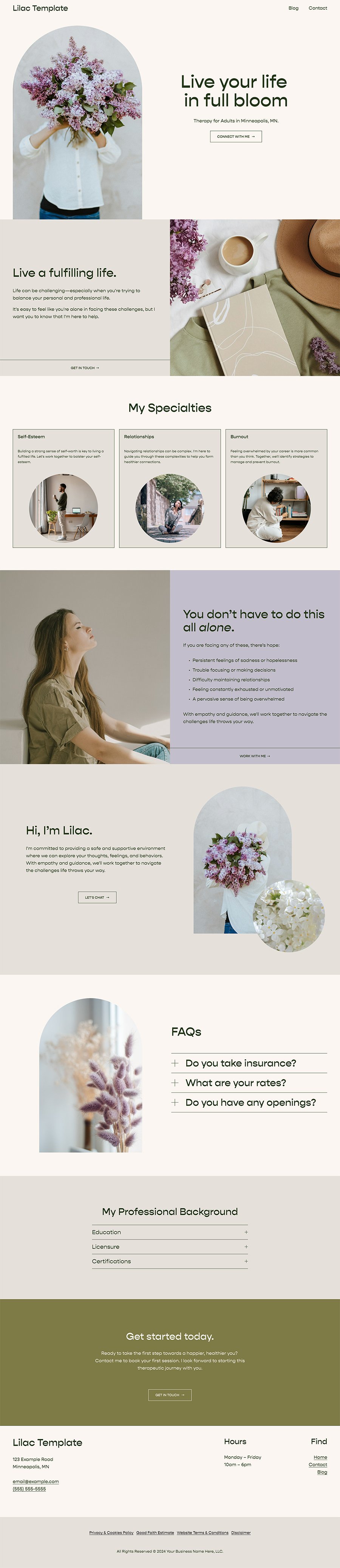
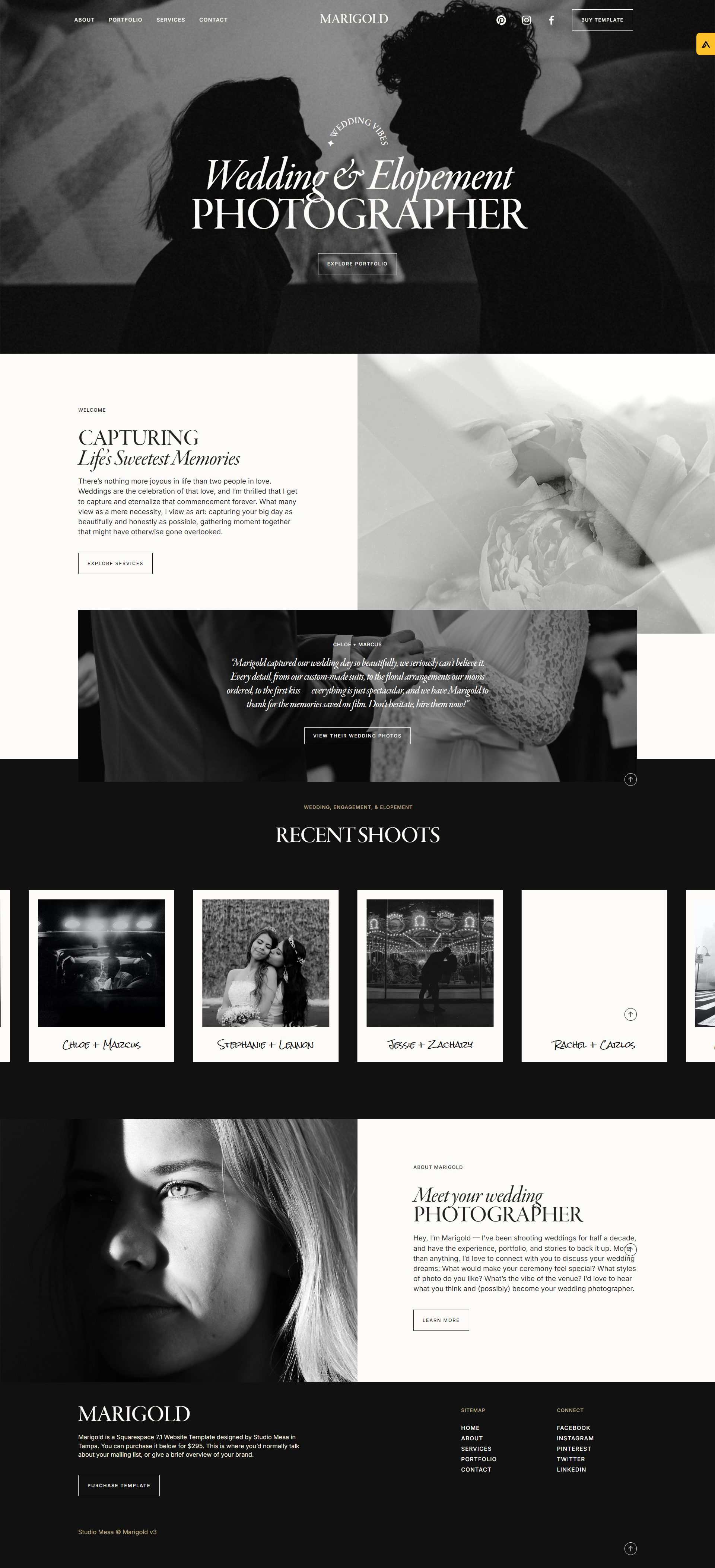
Need a redesign but don’t want to start from scratch? Check out our curated directory of custom templates and designs from some of the top Squarespace designers and agencies.
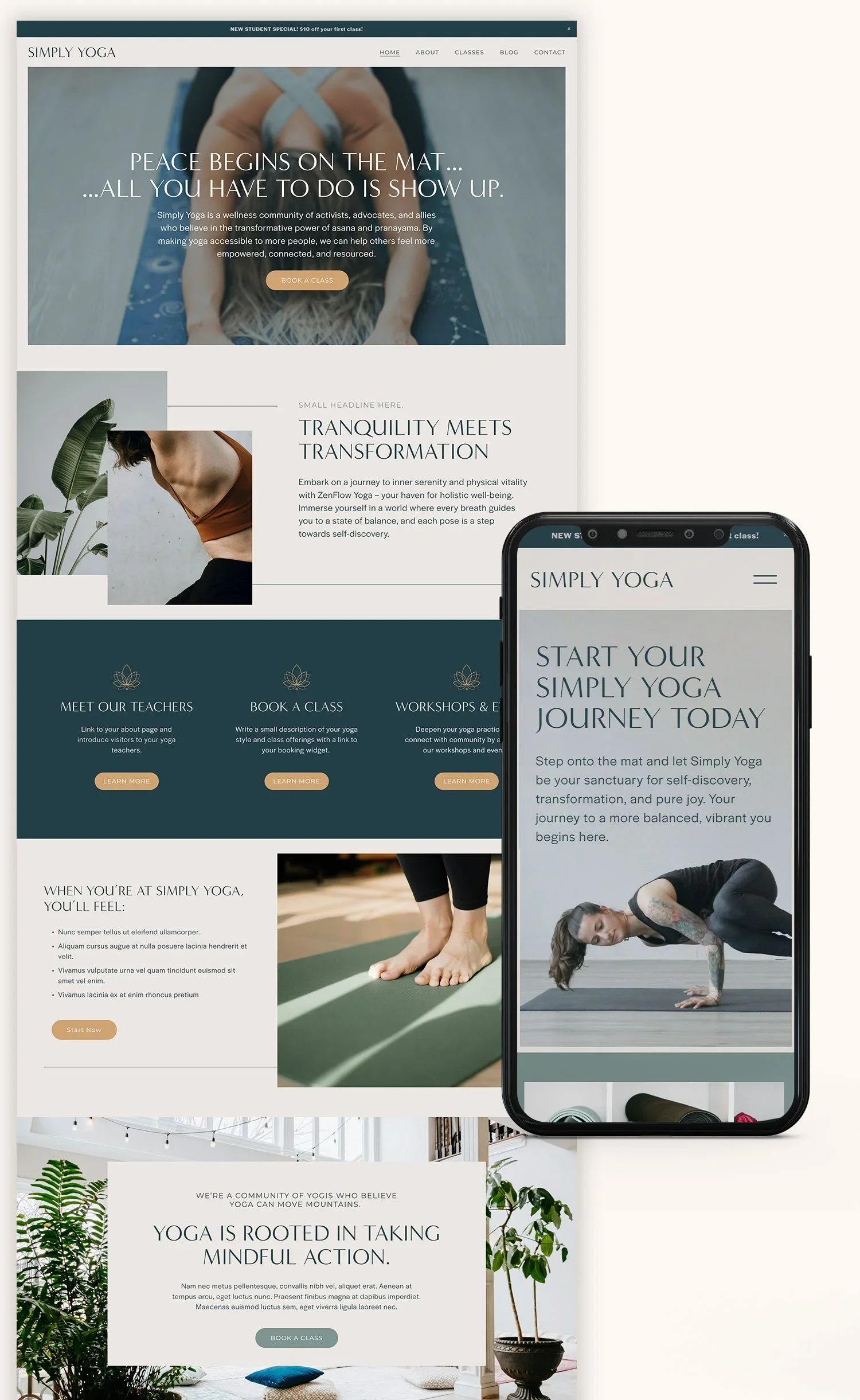

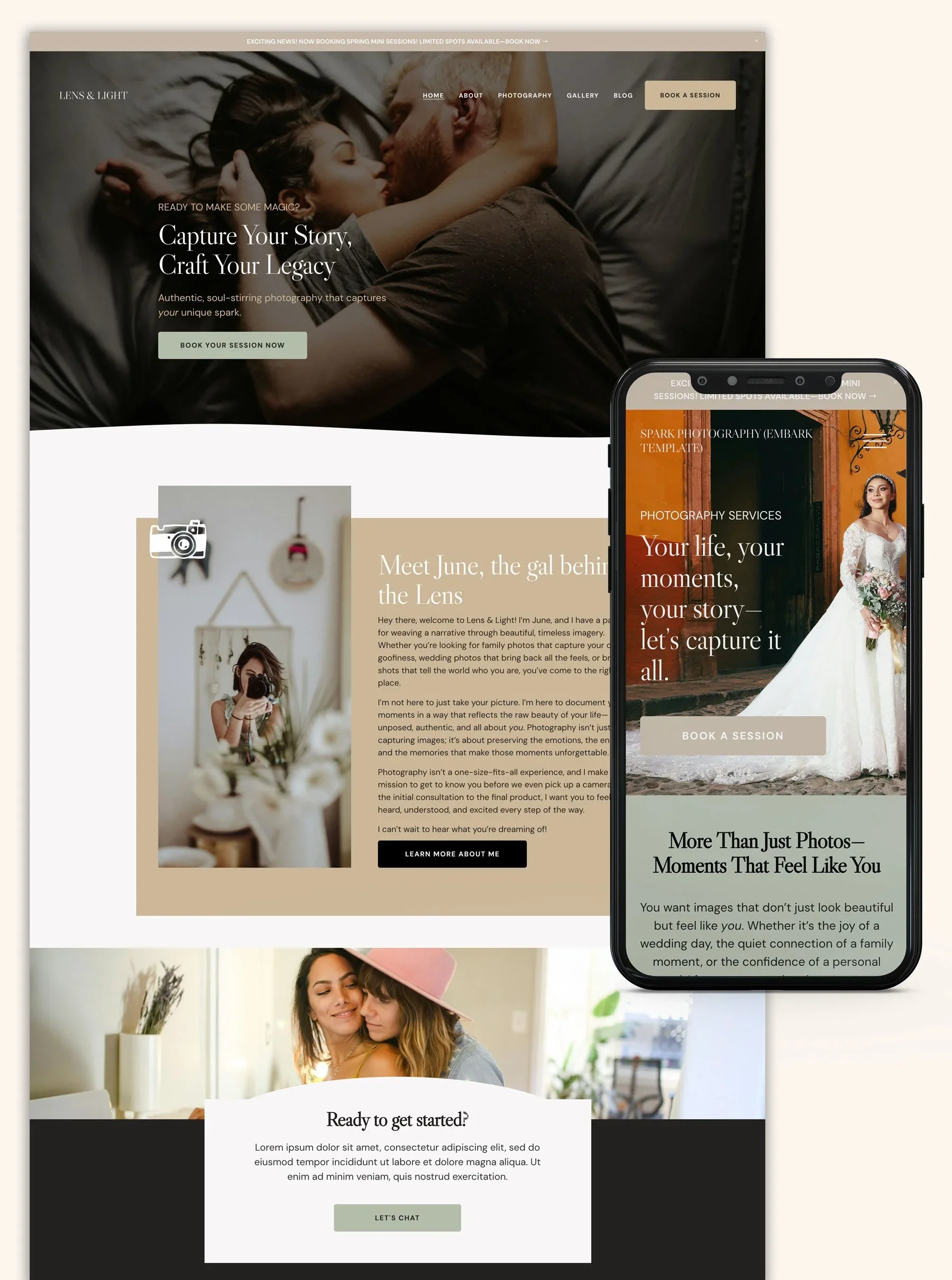












Squarespace Apps and integrations
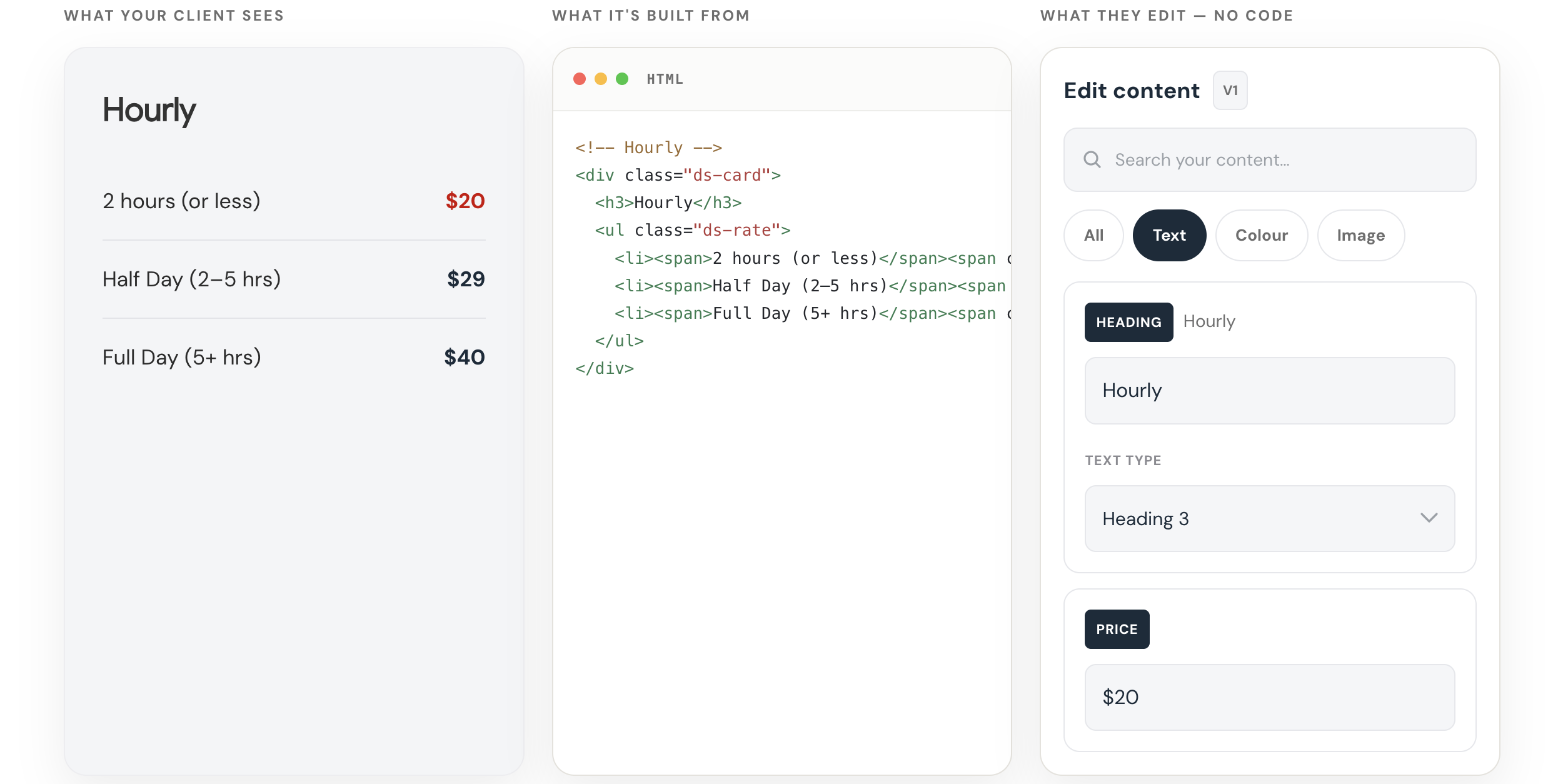
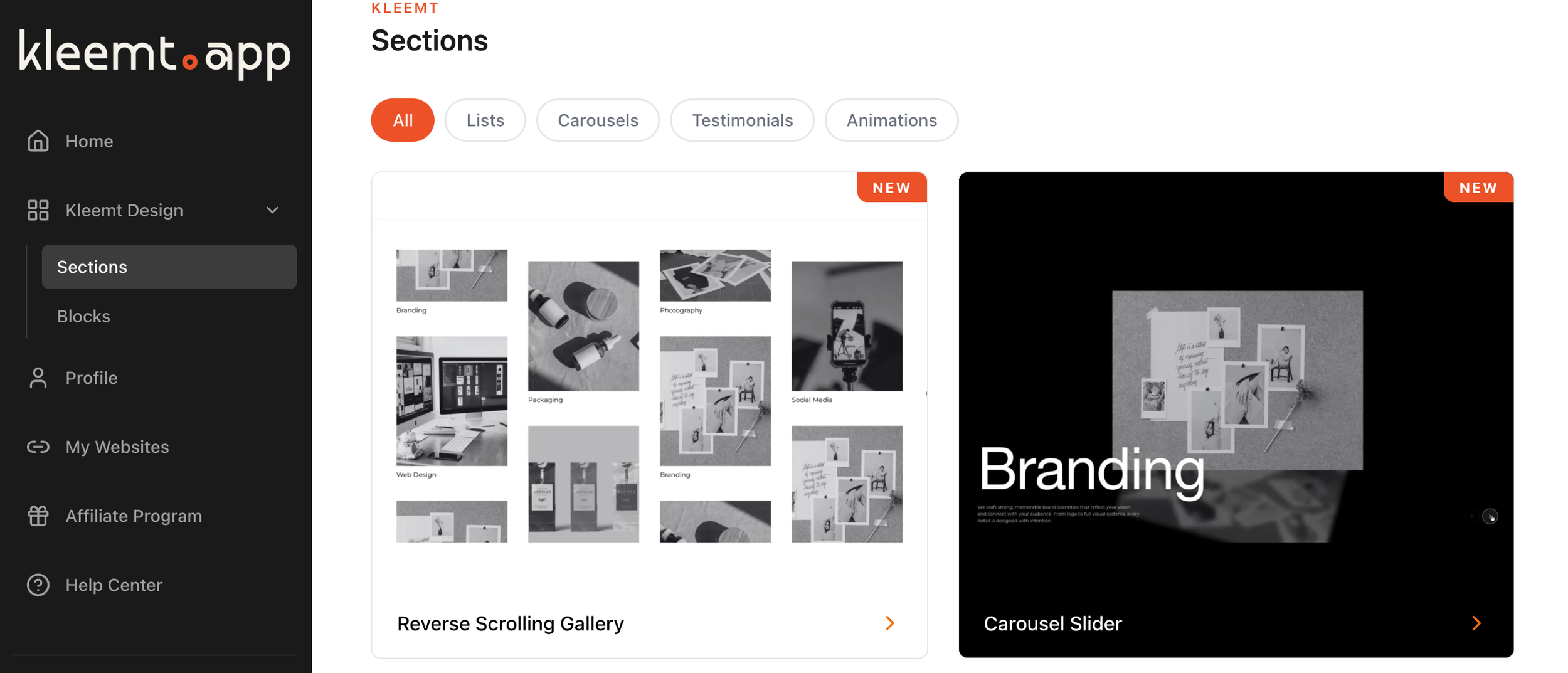
We’re constantly testing and experimenting with different extensions and apps so we can provide relevant recommendations.
Our Team
-

Dmytro Kyselov
Front-End Developer
Dmitry makes the impossible, possible. He's a pixel perfect front-end developer who puts the customer experience first.
-

Trinayan Chakraborty
Customer Operations
TC looks after support and operations here. With a background in engineering and a deep enthusiasm for everything tech, he strives to provide top-notch assistance and seamless operational efficiency. Outside of work, you'll often find him cycling or playing a game of chess.
-

Omari Harebin
Founder
Omari is an OG Squarespace guru, marketing strategist, coach and author of The Corporate Dropout. He specializes in helping entrepreneurs build profitable businesses on Squarespace by leveraging everything the platform has to offer and more.
You don’t have to do it alone.
Join our community of over 4000 entrepreneurs building businesses on this platform and get access to even more resources to help you customize, optimize and grow your business.
✅ Squarespace 7.0 and 7.1 compatible • ✅ All templates supported • ✅ Mobile responsive
⚠️ Requires Squarespace Business Plan or higher for full functionality.
💡 Personal Plan users can use the alternative markdown method. See FAQ below.
Add a Lightbox Popup to Squarespace
Lightbox Anything lets you open custom content in a popup from buttons, images, text links, galleries, and more.
Use it for forms, videos, team bios, product details, portfolios, promos, gated content, upsells, galleries, and custom page sections — without sending visitors to another page.
Click to View Demo →
Want to see the setup process first?
▶️ Click to Watch Setup Video