
What’s worth knowing in the Squarespace world.

For designers, developers, and people building businesses around Squarespace.

Omari Harebin Omari Harebin

How to Run and Rotate Sponsor Ads on Squarespace Without AdSense

The question usually comes up after the first sponsor ad is already working.

Your client has a leaderboard space. Or an MPU-style ad space. Or a sponsor banner in a sidebar, directory, article, or resource page.

One banner is easy enough to place in Squarespace.

The problem starts when the client wants more than one ad to run in the same space. They do not want AdSense. They do not want to join an ad network. They want to run their own sponsor ads, rotate banners, track performance, and manage the placements they already sell.

That is a different problem.

At that point, the question is no longer, “Can Squarespace display an ad?”

It can.

The better question is, “Can we manage sponsor ads on Squarespace without turning every campaign into a manual website edit?”

This is not about AdSense

There are two very different kinds of website advertising.

The first is ad network advertising. That is the world of AdSense, programmatic ads, auto ads, and third-party networks that fill ad space for you.

The second is direct sponsor advertising. That is when your client sells ad space directly to a sponsor, advertiser, vendor, partner, or local business.

This article is about the second one.

A sponsor buys a leaderboard. A vendor buys an MPU placement. A local business buys a rotating banner. A partner pays to appear in a resource section. The site owner already has the relationship, the placement, and the audience.

They are not looking for an ad network to fill empty space.

They are looking for a way to run the ads they already sold.

When one sponsor banner is easy enough

If the client has one sponsor, one banner, one link, and one page, a simple Squarespace setup may be enough.

You can add an image block, button, code block, or embed block. You can link the image to the sponsor’s website. You can add a small “Sponsored by” label. You can remove or replace the ad when the campaign ends.

That works when the placement is simple and easy to remember.

A manual setup is usually fine when:

  • There is only one sponsor

  • The ad appears in one place

  • The campaign does not need to rotate

  • No one needs performance reporting

  • The start and end date are easy to track

  • The sponsor relationship is informal

  • The client is not selling multiple placements

There is no need to add a system when one block solves the problem.

When one ad space needs to rotate multiple ads

The setup changes when the client wants more than one sponsor ad in the same space.

Maybe they sell a leaderboard at the top of the page, but two sponsors want to share that placement. Maybe they have an MPU-style ad space in a sidebar and want a different banner to appear when the page refreshes. Maybe they sell several sponsor placements across a directory, resource hub, or niche publication.

Now the ad space is no longer just a static image.

It is inventory.

The client needs to know which ads are active, where they run, when they start, when they stop, and whether the sponsor got what they paid for.

That is where a normal Squarespace image block starts to feel limited.

The block can show the ad.

It does not manage the campaign.

The DIY code block option

You can rotate ads in Squarespace with custom code.

A developer can create a simple script that cycles through a list of images and links. The ad might change every few seconds, or a different banner might load when the page refreshes.

For a very small setup, that may be enough.

The DIY version might include:

  • A Squarespace code block or embed block

  • A list of sponsor image URLs

  • A list of sponsor links

  • A script that randomly displays one ad

  • Manual updates when sponsors change

That can work when the client is comfortable with code and the campaign does not need much management.

But the DIY version has limits.

Someone still has to update the code when an ad changes. Someone has to make sure the right sponsor is active. Someone has to remember start and end dates. Someone has to check the links. Someone has to handle tracking if the sponsor asks how the ad performed.

The rotation is only one part of the problem.

The management is the part that keeps coming back.

Where the manual setup starts to break

The first sponsor is easy.

The second sponsor is where the system starts to show.

A client may start with one leaderboard or one MPU placement. Then another advertiser wants in. Then someone asks to reserve a specific month. Then a sponsor sends new creative. Then someone wants click stats. Then an old banner stays live too long because nobody remembered to remove it.

None of this is dramatic. It is just a pile of small obligations.

Did the sponsor pay?

Which banner is approved?

Which ad space did they buy?

Is the campaign live?

Should it rotate with another ad?

When does it end?

Did the sponsor ask for reporting?

Can they renew?

That is why direct sponsor ads become frustrating inside a manual website setup. The work is not hard enough to feel like a big project, but it is important enough that forgetting something creates a real problem.

What sponsor ad management actually requires

A sponsor ad has a lifecycle.

It has to be sold, submitted, approved, scheduled, displayed, rotated, tracked, ended, and sometimes reported on.

The visible ad may only be a banner. But once someone pays for that banner, the placement carries a promise.

The sponsor may need to know:

  • Where the ad will appear

  • What size or format to send

  • When the campaign starts

  • When the campaign ends

  • Whether the placement rotates with other sponsors

  • Whether the placement is exclusive

  • How many clicks or impressions it received

  • Whether they can renew

  • What other placements are available

That is the difference between putting an ad on a page and running a sponsor ad program.

One is a website edit.

The other is a small ad operation.

Where Ad Manager fits

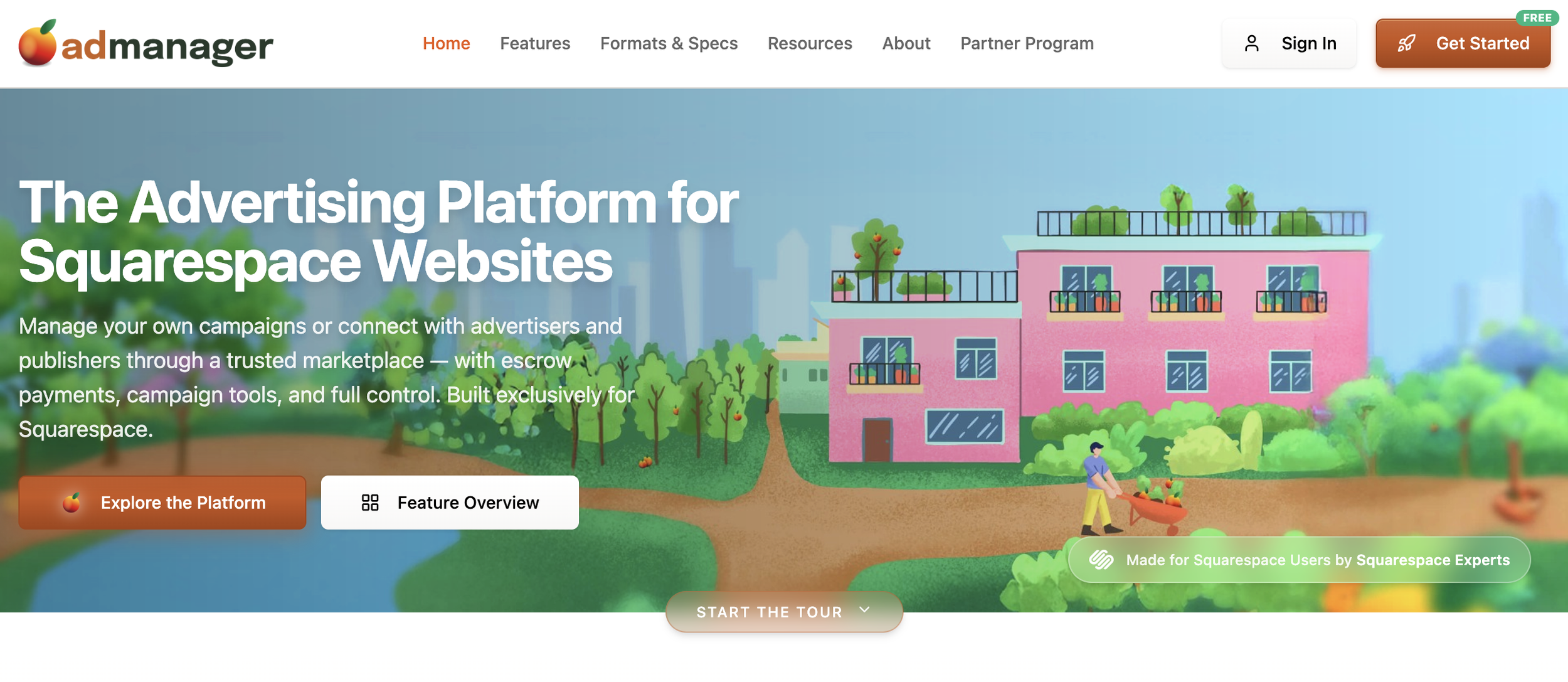
Ad Manager is useful when a Squarespace site needs to run direct sponsor ads without joining an ad network.

It is for the client who already sells, or wants to sell, their own placements. Leaderboards, MPU-style placements, sidebar banners, directory ads, sponsor cards, resource page promotions, newsletter site placements, and other direct ads can all create the same kind of management problem.

If the client only needs one static ad, they may not need Ad Manager.

But if they need to rotate multiple banners in the same ad space, schedule campaigns, track performance, and manage sponsor placements without hand-editing the site every time, Ad Manager becomes much more relevant.

The point is not that every Squarespace site needs ad management.

Most do not.

The point is that a site selling private sponsor ads eventually needs something better than scattered emails, image blocks, spreadsheets, calendar reminders, and memory.

Manual Squarespace setup vs. Ad Manager

Use a manual Squarespace setup when the ad is simple.

Use Ad Manager when the ad space has become something the client sells and manages.

Use a DIY Squarespace setup when… Use Ad Manager when…
You only need one static sponsor banner. You need multiple banners rotating in the same ad space.
You are comfortable editing code or image blocks manually. Your client wants a cleaner way to manage sponsor ads.
No one needs performance tracking. Sponsors want clicks, impressions, or campaign visibility.
Campaign dates are easy to remember. You need scheduling, start dates, end dates, or campaign management.
The site owner is not selling ad inventory regularly. The client sells leaderboard, MPU, sidebar, directory, or sponsored placements.
The ad is a one-off placement. The ad space has become part of the business.

The key question is simple:

Is this just one sponsor banner, or is this an ad space the client sells?

One sponsor banner can stay simple.

A sellable ad space needs a system.

How Squarespace designers can use this with clients

For Squarespace designers, this is a useful distinction.

A client may not ask for “ad serving.” They may not know that phrase. They may simply say:

“Can we have two banners rotate in this spot?”

“Can sponsors see how many clicks they got?”

“Can businesses pay to be featured here?”

“Can we run different ads in the same space?”

Those are not just design requests.

They are ad management requests.

The client may already be selling attention without having a clean way to manage what they sold. That creates an opportunity to help them think through the setup before it becomes messy.

If the client needs one sponsor image, keep it simple.

If the client is selling leaderboard space, MPU space, directory placements, sidebar ads, or rotating sponsor banners, it may be time to treat the ad space like inventory.

The simple decision test

Ask this:

Does the client need to display one ad, or manage multiple sponsor ads?

If they need to display one ad, a normal Squarespace block may be enough.

If they need to rotate, schedule, track, and manage sponsor placements, a tool like Ad Manager is the cleaner path.

This is especially true when the client wants to run their own ads without AdSense or an ad network.

Because the problem is not whether Squarespace can show a banner.

It can.

The problem is whether the client has a reliable way to manage the sponsor ads they are already selling.

When the answer is yes, the site has moved beyond a static ad placement.

It has become sponsor inventory.

Read More
Omari Harebin Omari Harebin

Acuity vs Eventually: When Class Scheduling Isn’t Enough

Meet Eventually

If you build Squarespace sites for clients, the problem usually shows up when the class works.

A workshop fills. A class sells out. Someone buys two spots. The buyer is not the person attending. Someone asks to join a waitlist. The client needs to email only the people registered for that one event. Someone needs to check people in at the door.

Before that, the client needed a way to take a booking.

Now they need a way to run what they successfully filled.

The question is no longer only, “When can someone book?” It becomes, “Who is coming? What did they buy? What do they need to know? Is there room? Who is waiting? Who showed up? What happens next?”

Acuity is for availability.

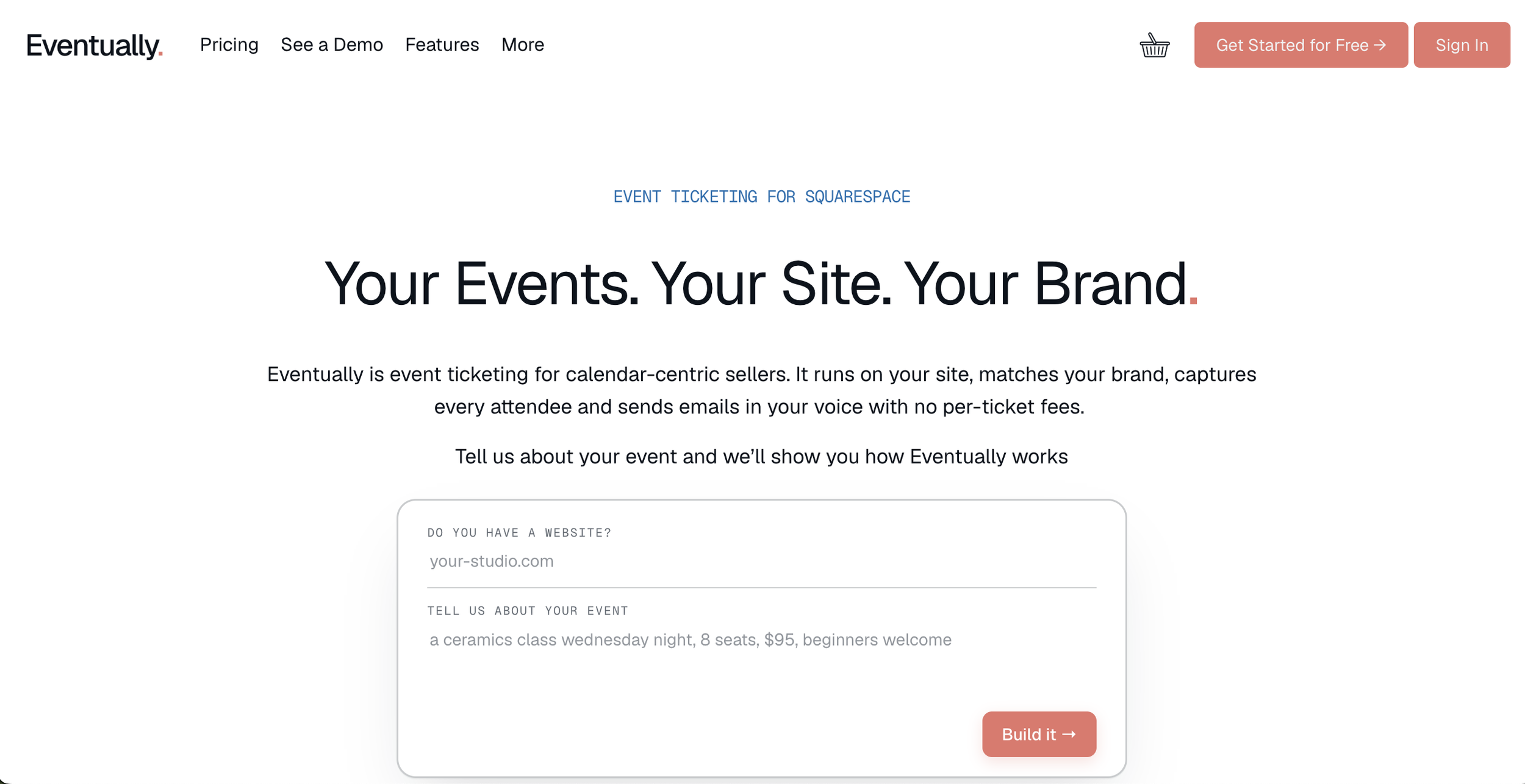
Eventually is for programming: the classes, gatherings, and recurring events a business wants to run through its own Squarespace site.

Use Acuity when people are mostly booking a time.

Use Eventually when people are choosing what to attend.

Acuity can still be the right answer

Acuity is usually the first tool Squarespace designers reach for when a client wants to run a class or workshop. A lot of the time, that makes sense.

If the client is booking one-on-one appointments, consultations, private sessions, simple group classes, or workshops with one price, one time, and one clean registration flow, Acuity may be enough.

In those cases, the customer is choosing a time and booking into it. The business needs a name, an email, maybe an intake form, payment, confirmation, reminder emails, and a place on the calendar.

Acuity is built for that.

Even for group classes, Acuity can work well. If the client has a weekly class with a clear maximum number of people and no special registration complexity, there may be no reason to move away from it.

A tool does not need to be replaced just because another tool exists. If Acuity works, the client understands it, and the business is not losing time or clarity around the process, leave it alone.

The question is not whether Acuity can handle classes.

The question is whether people are just booking a time, or choosing what to attend.

Where the setup starts to feel wrong

The phrase I would listen for is:

“We’re using Acuity, but it feels weird.”

Most of the time, Acuity still works well enough for someone to register. The problem is what the client has to manage around it.

They may be exporting lists, emailing attendees manually, tracking waitlists in a spreadsheet, or trying to manage different ticket types with workarounds. They may be using a scheduling page when what they really want is an event page. They may be trying to make a class feel like part of the brand while the flow still feels like booking an appointment.

The issue may not be the design of the page.

The business may have outgrown the appointment model.

The buyer is not always the attendee

For an appointment, the buyer and the attendee are usually the same person.

Classes and workshops get messier.

One person may buy two tickets. A parent may register a child. A company may register a team member. A friend may buy seats for a group. A nonprofit supporter may purchase tickets for guests.

Now the business does not only need the buyer’s information. It needs to know who is actually coming.

The client may need each attendee’s name, email, meal preference, access needs, waiver status, experience level, or answer to a custom question. They may need to know which attendee belongs to which ticket. They may need a check-in list that reflects actual attendees, not just the person who paid.

If the client keeps saying, “We need to know who is coming,” they may need more than scheduling.

They may need event registration.

The waitlist becomes more than a name in a spreadsheet

A simple appointment waitlist is about filling a canceled time slot.

A class or workshop waitlist is about managing demand for a specific event.

The business may need to know who asked first, who gets the open spot, who needs to be notified when someone cancels, who should hear about the next date, and how many people were interested but could not get in.

A sold-out class should not create a second system made of spreadsheets, inbox searches, and memory.

When the waitlist becomes part of the business, the client has probably moved beyond simple scheduling.

Ticket types change the shape of the offer

Acuity is strongest when people are booking a spot in a time slot.

But many workshops and classes eventually need ticket types: general admission, member pricing, early bird, VIP, child ticket, in-person, virtual, workshop plus materials, class plus kit, drop-in, full series.

Once the client starts thinking this way, the class is no longer just a time slot. It is an event offer with different ways to participate.

Capacity can also get more complicated. A room may hold 50 people total, but the client may want to sell a mix of tickets. There may be 20 in-person spots and 100 virtual spots. The event may have add-ons that require their own inventory.

“Just let people book a class” starts to break down.

The client needs to manage the event as a whole.

The calendar becomes something people browse

Acuity is good at showing available times.

Some businesses need more than available times. They need a calendar people actually browse.

A cooking school is not just saying, “Here are the times you can book.” It is saying, “Here are the classes we are offering.”

A pottery studio is not just publishing availability. It is presenting wheel throwing, glaze night, hand-building workshops, open studio, and seasonal classes.

A coworking space is not just listing open slots. It is showing founder breakfasts, member workshops, pitch nights, and community events.

The calendar is not admin anymore.

It is how people choose what to attend.

That is programming.

The event needs its own communication

Acuity confirmations and reminders may be enough for appointments.

Programming often needs a different communication pattern.

The client may need to email everyone registered for one specific workshop, send a prep email before the event, update attendees if the time or location changes, send the right Zoom link, or follow up only with the people who attended.

When those messages happen manually, the event setup is not carrying the full workload.

The website may look fine from the outside, while the client is doing extra labor behind the scenes to make the event run.

This is where a designer can become useful again.

Check-in makes the difference visible

Check-in is another place where a class starts behaving like an event.

For a small class, the client can look at a list and mark people off. But once the event gets larger, more frequent, or more operationally important, check-in starts to matter.

Who arrived? Who bought a ticket but did not show up? Who is on the waitlist? Who has a guest? Who bought the workshop plus materials? Who is attending virtually? Who needs to be scanned at the door?

Order confirmations are not the same thing as a check-in flow.

If the client is running events where attendance matters, they need a cleaner way to manage the room.

That is event operations, not appointment scheduling.

Where Eventually fits

Eventually is for the moment a Squarespace business stops asking, “How do people book?” and starts asking, “How do we run this?”

It is for businesses whose calendar has become part of how they earn, teach, gather, or build community: cooking schools, pottery studios, yoga studios, wineries, restaurants with tastings or seasonal events, nonprofits with community programming, coworking spaces with member events, cultural spaces, membership communities, and studios with recurring classes and workshops.

These businesses may not think of themselves as event businesses. They may not say they are doing events at scale.

But they understand programming.

Their calendar is no longer just a list of times. It is where people browse what is coming up, choose what they want to attend, register, receive the right information, and show up.

Eventually is for that.

Acuity vs Eventually

The simplest way to think about it is this:

Use Acuity when… Use Eventually when…
People are booking a time. People are choosing what to attend.
The buyer is usually the attendee. The buyer may not be the attendee.
There is one price and one attendance type. There are multiple ticket types or ways to participate.
The client mainly needs booking, payment, confirmations, reminders, intake forms, and calendar management. The client needs attendee information, waitlists, QR check-in, hybrid attendance, event-specific communication, or a branded event calendar.
The class still behaves like an appointment. The class has become programming.

Not because Acuity is bad.

Because the problem has changed.

The designer opportunity

For Squarespace designers, this creates a useful reason to revisit past clients.

You probably have clients who are already running classes, workshops, events, tastings, trainings, gatherings, or recurring programming. You may also have clients who are quietly managing all of that through Acuity, Squarespace events and service products, spreadsheets, inboxes, Zapier, custom CSS, and manual follow-up.

Eventually gives you a reason to go back and say:

“I think there’s a cleaner way to run this now.”

That is different from trying to sell a redesign. It is not about changing the look of the site. It is about helping the business carry something it is already doing.

If the client’s programming is working, the next question is whether the website can support it.

A simple decision test

Ask this:

Are people just booking a time, or are they choosing what to attend?

If they are just booking a time, Acuity may be enough.

If they are choosing what to attend, and the business needs to manage who is coming, what they bought, what they need to know, and how they show up, the client may have outgrown scheduling.

That is the moment to look at Eventually.

The client is no longer only managing availability.

They are running classes, gatherings, and events that the website now has to support.

Read More
Omari Harebin Omari Harebin

Your Work Is Better Than Ever. So Why Did the Leads Slow Down?

A few years ago, the leads came from places that made sense.

A marketplace.

A referral source.

A platform profile.

And for a while, that worked.

Someone had a problem. They went to the place. They compared a few options. They saw your work, your reviews, your profile, your proof. They reached out.

The path was already there.

Then something shifted.

Your work got better.

The portfolio got stronger.

Projects got more refined.

Client results became more real.

But the inquiries started feeling slower, thinner, or less aligned.

So now you’re looking at the business thinking:

Do I need to post more?

Run ads?

Start a newsletter?

Do more outreach?

Rebuild my site?

Try another platform?

Maybe.

But there’s another possibility.

The place that used to bring the lead was also doing part of the translation.

It was helping the buyer understand what kind of help they needed.

It was giving them a category.

A context.

A comparison point.

A reason to trust the next step.

When that path weakens, the work can still be strong and the business can still feel harder to find.

Your work did not get worse.

The path to your work changed.

The old path was doing more than sending leads

A marketplace, directory, referral source, forum, job board, agency relationship, or platform can do a lot of the work a business has not yet learned to do for itself.

It gathers buyers.

It gives them categories.

It creates a familiar context.

It gives them comparison.

It gives them proof.

It gives them a reason to trust the interaction enough to take the next step.

That is why a marketplace can work so well in the beginning.

Buyers already know to go there. They show up with intent. They can compare options. They can read reviews. They can see proof inside a context they already understand.

The marketplace brings the people.

You close them.

A referral source can do something similar.

The trust is borrowed from the person who sent the lead. The buyer does not have to understand everything from scratch because someone they trust already made the introduction.

An agency relationship can do it too.

The client path belongs to the agency. You receive the work because the agency already has the relationship, the trust, the positioning, and the demand.

All of those paths can be useful.

But they are still borrowed paths.

And when a borrowed path weakens, the business has to become clearer on its own.

The cabin is real. The road may not be.

Your business may be like a cabin in the woods.

The cabin is real. The work is real. The value is real. The proof is real.

But there may be no road, no signage, and no easy way back.

The marketplace has been the village. People gather there. They know how to look there. They know how to compare there. They know how to ask for help there.

Your marketplace profile, directory listing, Upwork history, forum reputation, referral source, or platform presence may have given buyers a path to you.

Outside of that context, the path may disappear.

That does not mean your business is broken.

It means your business has to begin doing some of the work the old path was doing for you.

Not all at once.

Not by copying every tactic.

Not by turning yourself into a content machine.

One problem at a time.

One path at a time.

More visibility is not always the answer

Most experienced designers do not actually want more random visibility.

They do not want more wrong-fit calls. They do not want more people asking for things they do not do. They do not want more pressure to explain their value from scratch.

They want the right people to recognize them faster.

That usually begins with a clearer problem.

If your business is mainly saying, “Here is what I do,” buyers still have to do too much work.

They have to translate your service into their situation. They have to understand what kind of problem you are best suited to solve. They have to decide whether their issue fits inside your offer. They have to imagine the outcome. They have to trust that you have seen this before.

That is a lot to put on a buyer.

A service is what you sell.

A problem is what makes someone care.

“I design Squarespace websites” is a service.

“My site is not bringing in the right leads anymore” is a problem.

“I build custom Squarespace sites” is a service.

“I need my business to look credible enough for higher-budget clients” is a problem.

“I offer web design, SEO, branding, and strategy” is a list of capabilities.

“I have outgrown the website that got me here, but I do not know how to make the next version clear” is a problem.

Most buyers do not begin by understanding your full range of ability.

They begin with something that is not working.

Something they need to fix, finish, launch, clarify, escape, or move toward.

That is where lead flow starts.

The problem gives everything else its order

Designers often market from the service outward.

Squarespace web design. Custom development. Template customization. SEO. Branding. Strategy. Maintenance. Support.

None of those services are wrong.

But service-first marketing often makes the buyer connect too many dots.

Problem-first marketing starts closer to where the buyer already is.

“My inquiries have slowed down, and I do not know why.”

“I keep attracting tiny projects when I want bigger ones.”

“My site makes me look less experienced than I am.”

“I have a strong portfolio, but it is not turning into leads.”

“I am too dependent on referrals.”

“I get interest, but people do not know what to hire me for.”

“I have outgrown the marketplace, but I do not know how to create my own demand.”

Now the buyer can recognize the situation.

That recognition is the beginning of the path.

So the shift is not simply:

“I need to describe my service better.”

The shift is:

“I need to build around the problem that makes my service necessary.”

That is where the offer gets clearer. That is where the content gets easier. That is where proof has a job. That is where follow-up becomes useful instead of forced.

The problem gives everything else its order.

The clues are already inside the business

Many designers can feel the need for more direct opportunity, but they do not know what to build first.

A service page is not always the answer. A case study is not always the answer. SEO is not always the answer. A newsletter is not always the answer. Sponsorships are not always the answer. Cold outreach is not always the answer.

The asset comes after you understand the problem.

Before you build the thing, you have to read the path.

The clues are usually already inside the business.

They live in old discovery calls, forgotten emails, referral conversations, marketplace inquiries, client phrases, support questions, project notes, before-and-after moments, jobs, RFPs, searches, and community threads where demand is already speaking.

Start with the last three projects you would gladly repeat.

What did those clients call their problem before you gave them your solution?

What was happening in their business that made the website feel necessary?

What were they worried would happen if they did not fix it?

What had they already tried?

What made them trust you enough to take the next step?

That is where the road begins.

Not with a clever niche.

Not with a content calendar.

Not with a funnel.

With the recurring problem already close to your work.

The road back

Before SQSPThemes became what it became, I had leads coming through other paths.

A Squarespace directory worked. Upwork worked. Craigslist worked. Communities worked.

Those routes mattered because buyers were already there looking for help.

But I did not want my whole business to depend on someone else’s path.

So I started paying attention to the problems.

Where were people asking for help?

What kept coming up?

What were they trying to customize?

What did they think should be easy but was not?

What were they willing to pay someone to fix?

That was the beginning.

The business did not grow because I invented a perfect service in isolation. It grew because I got close enough to problems people were already trying to solve, helped solve those problems, turned repeated solutions into offers, and built places where people could keep following along.

A blog.

A community.

An email list.

Later, products, plugins, pages, search, partnerships, and other assets that helped people find their way back to the business.

Over time, those paths compounded.

That is the power of owning the route.

It does not mean you abandon the marketplace.

It means the marketplace stops being the only place where buyers know how to find and understand you.

For one designer, the first road might be a search asset.

For another, it might be a case study, a clearer offer page, a guide, a niche landing page, a referral asset, a follow-up sequence, or a sponsorship path.

The form changes.

The work does not.

Find the problem.

Read the path.

Get evidence.

Build the asset that makes the next step easier.

That is the road back.

Start with The Road Back

I put together a free 5-day diagnostic email course for experienced Squarespace designers who feel this shift happening in their own business.

It is called The Road Back.

Over five days, you will identify the buyer path your business has been relying on, the problem your best clients already recognize, and the first asset that could help more of the right people find their way back to you.

You do not need to become a content machine.

You do not need to expose yourself to everyone.

You need a clearer path between your work and the people already looking for the problem you are here to solve.

You can keep waiting for the old path to bring the right people back, or you can spend five days learning how to build the road yourself.

Read More