
What’s worth knowing in the Squarespace world.
For designers, developers, and people building businesses around Squarespace.
The Discovery Call Is a Filter, Not a Pitch
You get on a discovery call and immediately start explaining what you do. How you work. What’s possible with Squarespace. Your process, your timeline, your philosophy. It’s like giving a presentation to an audience of one.
By the end of the call, they say something like, “This all sounds great, let me think about it,” and hang up.
You performed. They observed.
And you’re left wondering: Did they like me? Are they serious? What are they actually thinking about?
Here’s the thing -
They already discovered you. They read your site. They followed your work. They booked the call. That part’s done. The discovery call isn’t for them to discover you. It’s for you to discover them. And not just their tech needs or timelines.
What you really want to know is:
– What made this feel urgent right now?
– What happens if they don’t solve this?
– What have they already tried and why didn’t it work?
– Who’s actually making the decision?
– What are they prepared to invest?
But most designers never extract any of this.
They’re too busy auditioning to win the project. When you stop performing and start probing, the whole dynamic flips.
You stop attracting people who need to be convinced. You start attracting people who need to be qualified. Now the call becomes a filter — not a pitch.
You’re not proving you’re good enough. You’re checking whether they’re ready.
And here’s the wild part: when someone gets on a call with you and the first thing you ask is, “So what made this feel urgent this week?” — you can feel the shift. They lean in. You lean back. People who aren’t ready will feel it — and they’ll quietly disappear. People who are ready will finally feel like someone gets it.
Of course, knowing you should ask better questions is one thing. Knowing which ones, in what order, how to ask them without sounding like an interrogator — that’s a whole other skill.
There’s a difference between asking, “What’s your budget?” and asking, “What were you expecting to invest in this?” You can feel the difference. But without a full framework, it’s hard to build the call in a way that flows. You know when a call goes sideways — but you can’t rewind it in real time?
This is not uncommon; it simply means you’re missing a protocol.
Now imagine getting off every call knowing exactly where you stand —yes, no, or not yet.
Imagine never wondering what they’re thinking, because you already asked.
That’s what extraction does — systematically pulling out the truth of the situation.
It doesn’t make you a better closer. It makes you a better filter.
And if this clicked for you, but you don’t yet have the questions, the flow, or the system to actually do this — I got you.
You can steal my free Discovery Call Script — the exact one I use (and teach my clients to use) to qualify faster, close cleaner, and stop wasting time on “maybe” projects.
👉 Download the script here
How to Bulk-Edit Products in Squarespace (Without exporting a CSV)
If you've ever tried to bulk-edit products in Squarespace, you know what I'm talking about. You either click through products one by one, or you export to CSV, manipulate in Excel, and re-import.
It works. It's just cumbersome when you're dealing with more than a handful of products.
When This Actually Matters
You need to run a 20% off sale on 30 products. That's 30 individual edits, 30 calculations to make sure your prices still end in .99.
Or your costs went up 10% and you need to increase prices across 50 products. Hello, calculator app and an hour you won't get back.
Or you want to add "Holiday Collection" to 40 products for your seasonal push. Click, edit, save, repeat.
Again - not impossible. Just tedious enough that you might skip it.
Advanced Product Manager for Squarespace 7.1
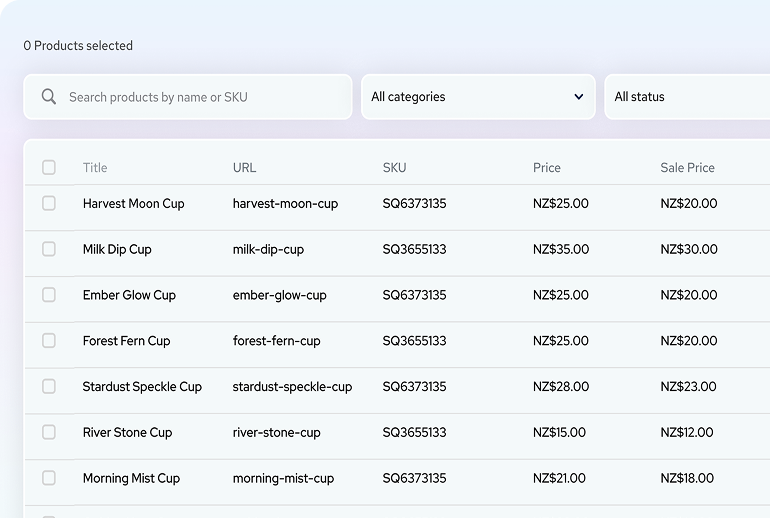
SquareHero built a plugin that gives you a spreadsheet-style view of all your products right in Squarespace.
Here's what you can actually do with it:
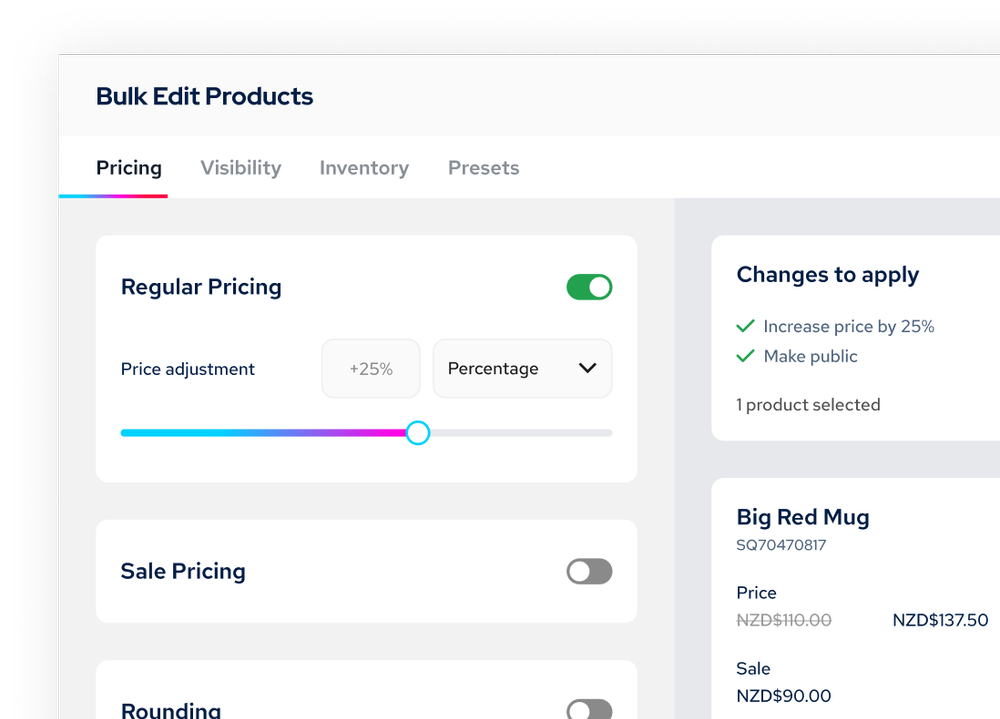
Select multiple products and change prices all at once - percentage increases, fixed amounts, whatever you need.
Quickly edit prices, product titles and more in spreadsheet view without having to jump between products.
Force consistent price endings (.99, .95, whole numbers) across everything you select.
Add or remove categories from multiple products in one shot.
Toggle sale prices on and off without touching each product - even change if products are hidden or published.
Real Example
You want to put 25 items on sale at 15% off with .99 endings.
Normal way: Calculate and update each one individually. Maybe 15-20 minutes if you're focused.
With the plugin: Select all 25, apply 15% discount, set .99 rounding, preview, apply. Maybe 2 minutes.
Not revolutionary. Just better.
Smart URL Handling
One detail that matters: When you change product titles, it prompts you to update URLs and automatically creates redirects. So you don't break existing links or tank your SEO when you rename products.
Demo Mode
Here's the smart part - you can install it in demo mode first. Test everything with your actual products. Nothing goes live until you're ready. No credit card needed for demo mode.
You can see exactly what it does with YOUR store before you commit. That's how it should be.
Who Needs This
If you have less than 20 products, you're probably fine without it.
If you manage 50+ products, or you have clients with real catalogs, this becomes pretty essential.
If you're doing the CSV export thing more than once a month, just get this.
Try It
Install in demo mode. See if it fits your workflow.
👉 Advanced Product Manager - Demo Mode
They're running 20% off your first month or year plans with the code SAVE20 through December 31st 2025
If bulk editing is part of your regular workflow, this just makes it less annoying. Sometimes that's enough.
The Squarespace 7.1 Sections Library Designers Have Been Begging For
If you’ve been building on Squarespace 7.1 for any amount of time, you’ve probably felt it:
You click Add Section, scroll through the defaults…
…and instantly hit a wall.
The layouts feel dated.
The spacing feels off.
Everything looks like a wireframe instead of a finished design.
If you’re a designer, you’ve probably asked yourself at least once:
“Why are the Squarespace 7.1 sections so… ugly?”
You’re not alone.
This exact complaint pops up constantly across Reddit, Facebook groups, and Slack communities:
“Every site starts from a blank section.”
“The default sections look amateurish.”
“Templates are stale and all look the same.”
“I delete everything and rebuild from scratch.”
“Why doesn’t Squarespace update their designs?”
Squarespace 7.1 is a fantastic platform… but its section library hasn’t kept up with what modern businesses expect.
And that gap forces designers to reinvent the wheel on every project.
The Real Problem: Designers Don’t Need More Templates — They Need Better Sections
Everything about a website — layout, hierarchy, rhythm, conversion flow — comes from the sections. When those are limited, repetitive, or visually outdated, the entire build suffers.
As a designer, you need sections that:
look modern
have clean spacing
handle real content
create visual storytelling
support brand strategy
convert visitors
feel professional out of the box
Instead, you get:
giant icons
awkward margins
generic blocks
dated patterns
minimal variety
repetitive designs
layouts that all look the same
So what do designers do?
They rebuild everything by hand. Every. Single. Project.
And a 2-week build becomes 4–6 weeks because the fundamental components aren’t pulling their weight.
Designers aren’t looking for another “starter template.” They’re looking for a massive collection of professionally designed sections they can plug into any client site in seconds.
Meet the Largest Squarespace 7.1 Sections Library Ever Created
This year, a fellow Squarespace designer finally solved the exact pain the community has been yelling about:
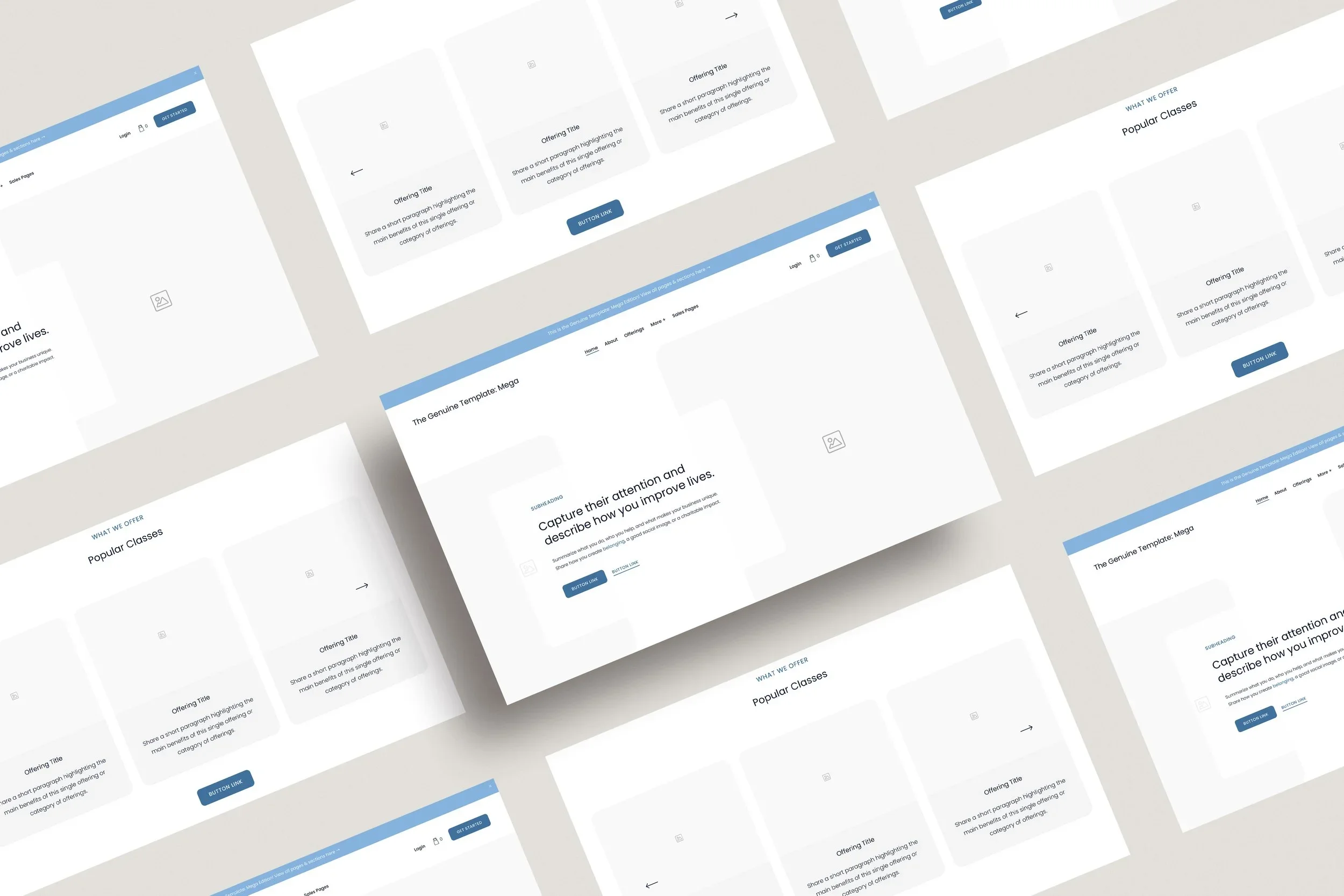
The Genuine Template: Mega Edition
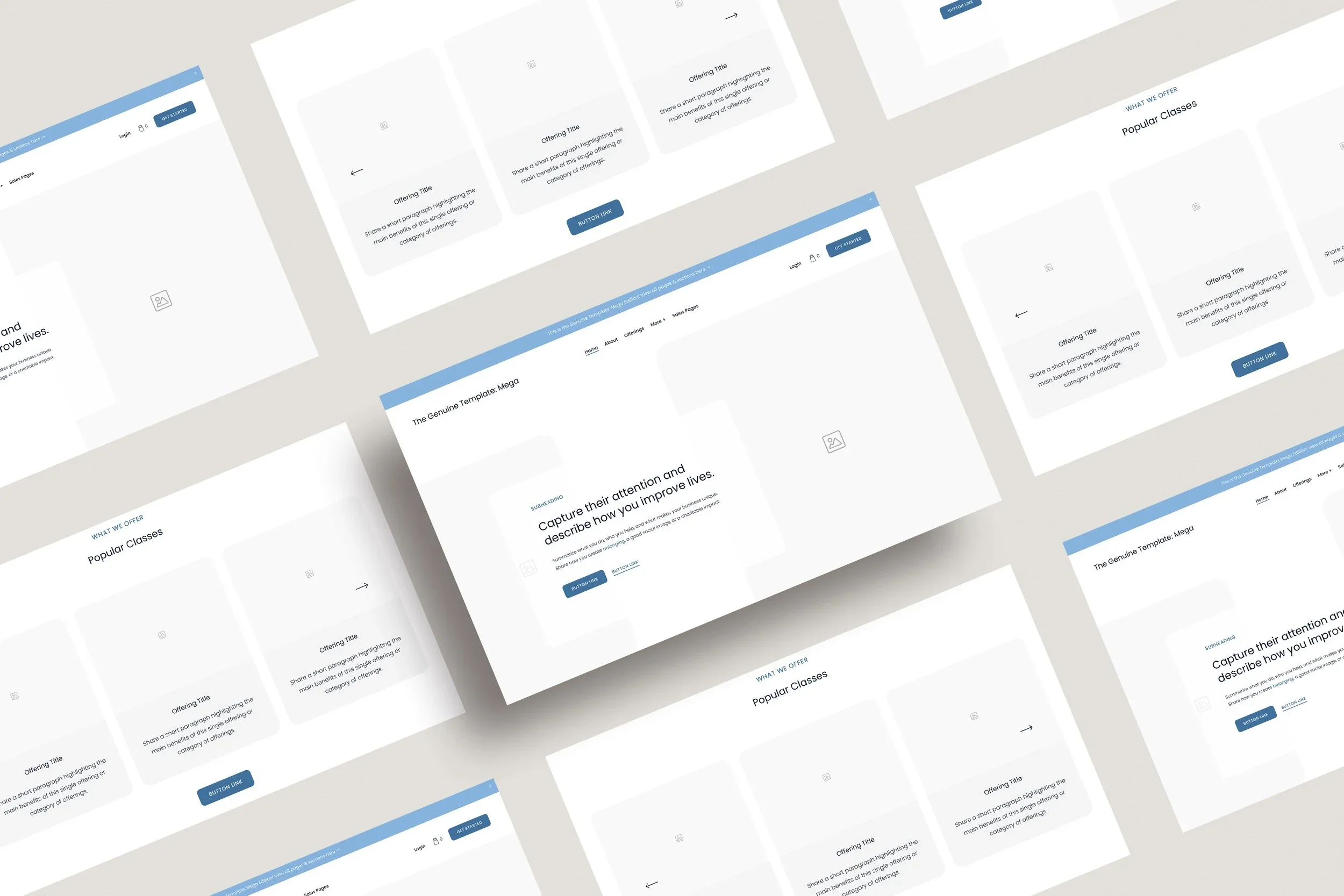
— a fully realized Sections Library with over 750+ modern Squarespace 7.1 sections.
It’s a professional-grade design system for Squarespace 7.1 with:
750+ modular sections
100+ fully designed pages
copy prompts for every block
externally hosted CSS
brand strategy baked in
unlimited commercial use
What’s Inside the 750+ Sections Library
The library includes dozens of high-quality, intentionally built section categories like:
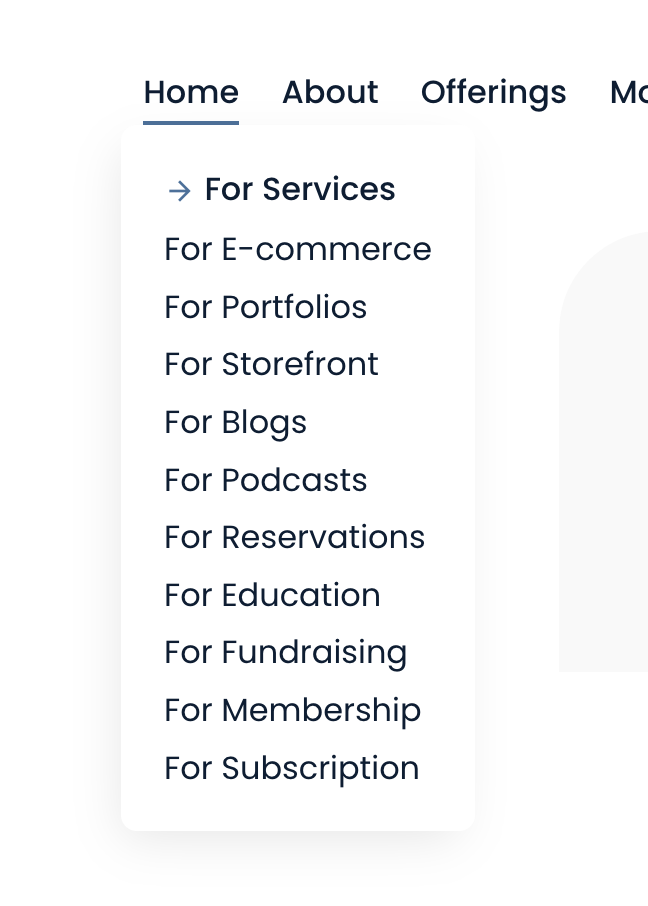
Headers (34)
Modern hero layouts, split banners, value-driven statements.
Benefits (31)
Feature grids, comparison layouts, iconography, value stacks.
Content Sections (39)
Modular storytelling blocks with modern spacing and typography.
Testimonials (26)
Social proof patterns, carousels, cards, case study highlights.
Pricing (20)
Professional pricing tables and comparison matrices.
Gallery & Visual Sections (70+)
Contemporary galleries, carousels, collages, and image-forward layouts.
Opt-In & Conversion Sections (37)
Lead capture, webinars, freebie promos, quiz opt-ins.
About Sections (39)
Founder stories, mission, values, team layouts.
How It Works (15)
Step-by-step flows, processes, timelines.
FAQs, Resources, Logos, Categories, Simple Lists, and more.
These aren’t wireframes.
These are client-ready, modern, well-crafted sections built to make any Squarespace site feel premium.
Who This Sections Library Is For
This system is a perfect match for designers serving:
community-centered brands
wellness + lifestyle businesses
mission-driven orgs
eco-friendly product shops
artists and makers
anyone who wants a warm, intentional aesthetic
The sections were built with brand storytelling and emotional connection in mind — not just “slots for content.”
Why This Matters
Squarespace 7.1 is a great platform with a weak default sections library.
If you want:
modern layouts
faster builds
higher prices
less burnout
better templates than Squarespace offers
a system your clients will actually love
Then you need better sections, not better templates.
And for the first time, designers finally have access to a complete, professional-grade sections library that makes building modern Squarespace websites actually enjoyable again.