 Image 1 of 4
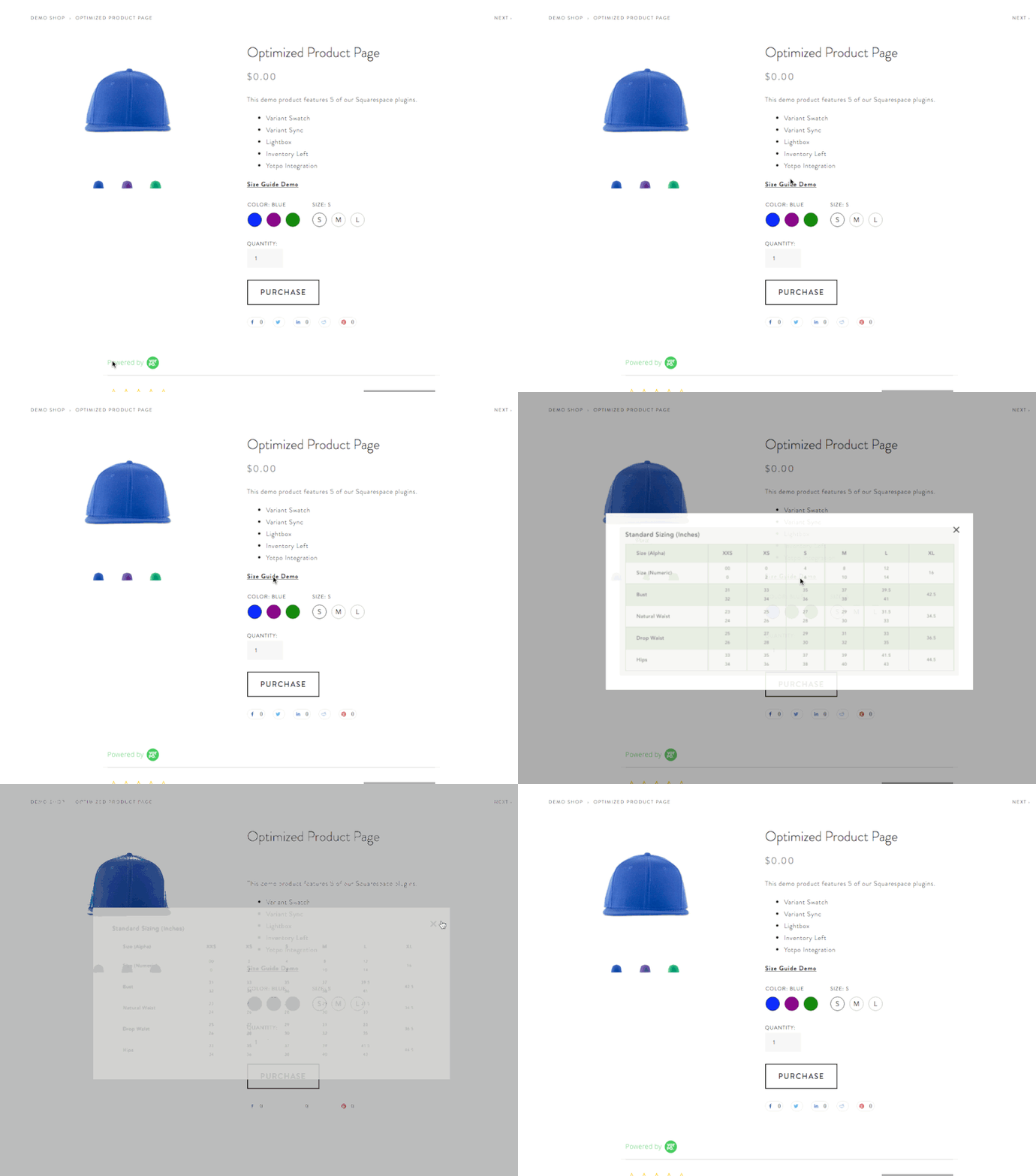 Image 2 of 4
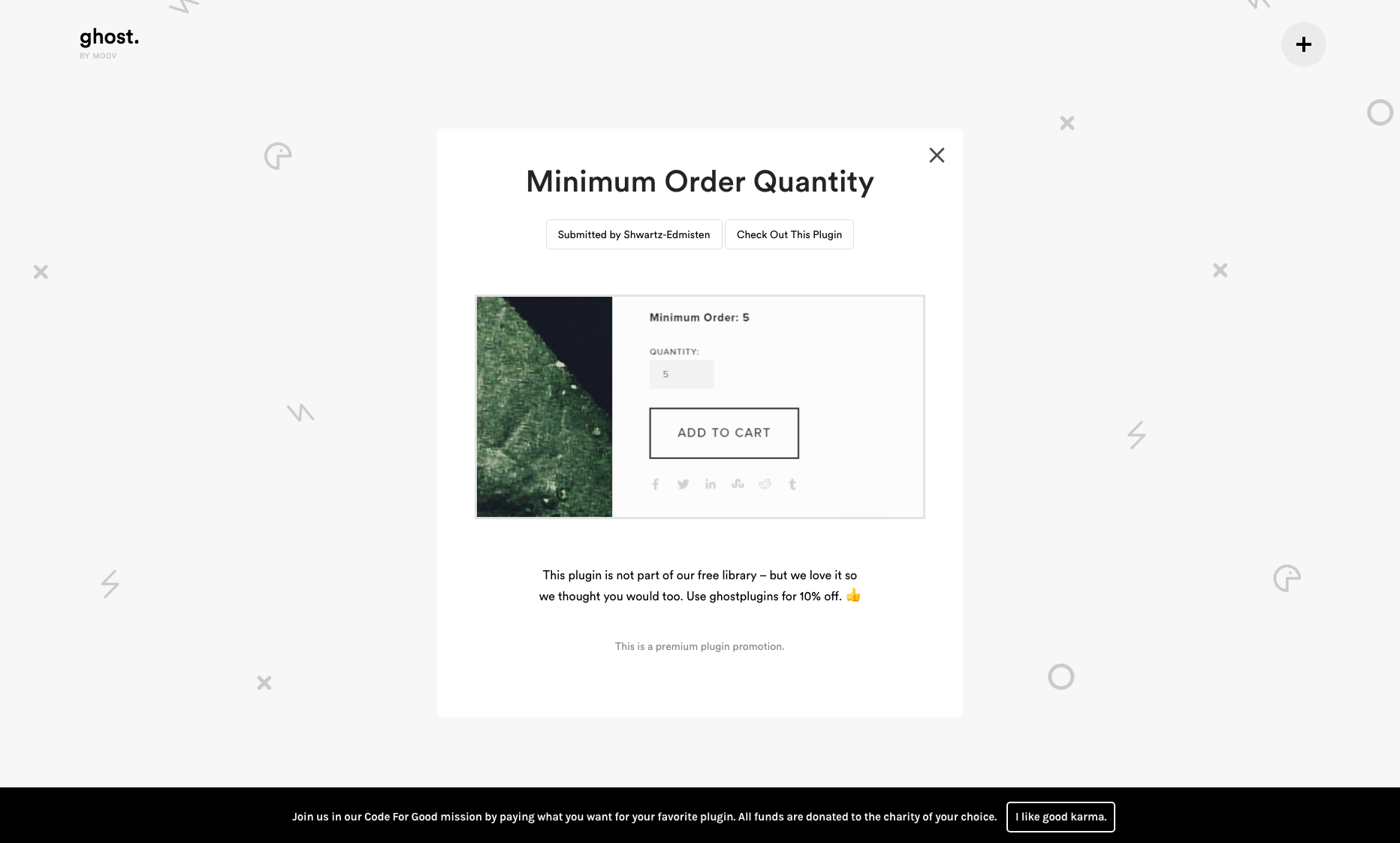 Image 3 of 4
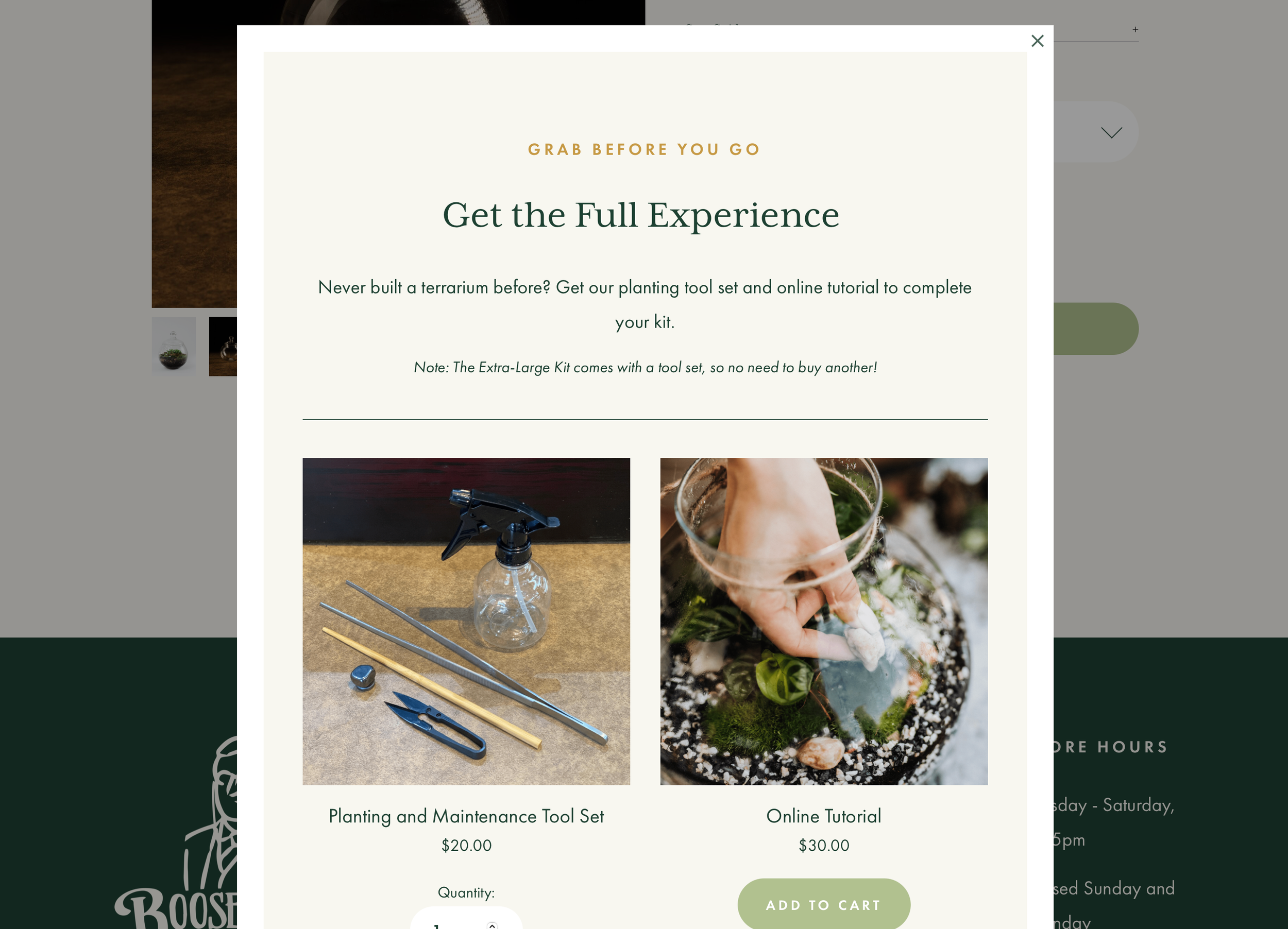 Image 4 of 4
Squarespace Lightbox Anything Plugin


Before You Buy
Do I need a Squarespace Business Plan?
Yes, for the easiest setup and full functionality. The plugin uses Code Injection, which requires a Squarespace Business Plan or higher.
Personal Plan users can still use the plugin by placing the code in a markdown block instead.
Will this work with my Squarespace template?
Yes. Lightbox Anything works with Squarespace 7.0 and 7.1 templates, including Fluid Engine pages.
What can I open in a lightbox?
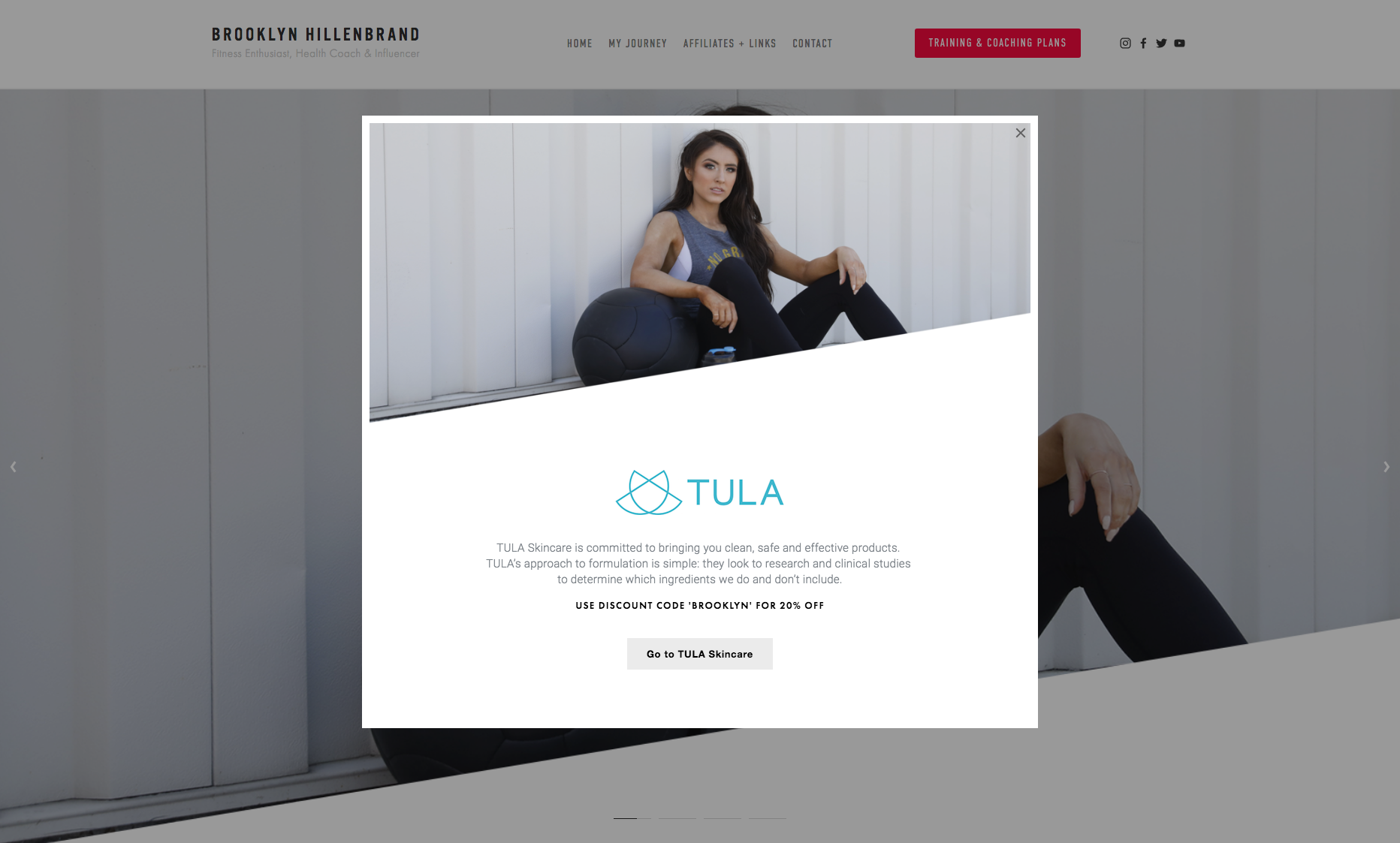
You can open forms, videos, team bios, image galleries, product details, portfolio content, promos, testimonials, pricing tables, signup forms, gated content, and custom Squarespace sections.
How hard is installation?
Most users can install it in about 10 minutes by following the written guide and setup video. You’ll copy/paste the code, upload the CSS file, and add the lightbox link format to your buttons or links.
Can I customize the design?
Yes. The plugin includes a CSS generator so you can adjust colors, fonts, sizes, spacing, and layout. Advanced users can also add custom CSS.
Can I use it on multiple websites?
The Standard License works on one website. The Business License allows unlimited website usage.
What if it doesn’t work for me?
You have a 30-day money-back guarantee. If the plugin does not meet your needs or fails to function as described, you can request a refund.
What if I get stuck?
Contact support with your website URL, a description of the issue, and screenshots if helpful. Support usually responds within 24 hours on weekdays.