
What’s worth knowing in the Squarespace world.
For designers, developers, and people building businesses around Squarespace.
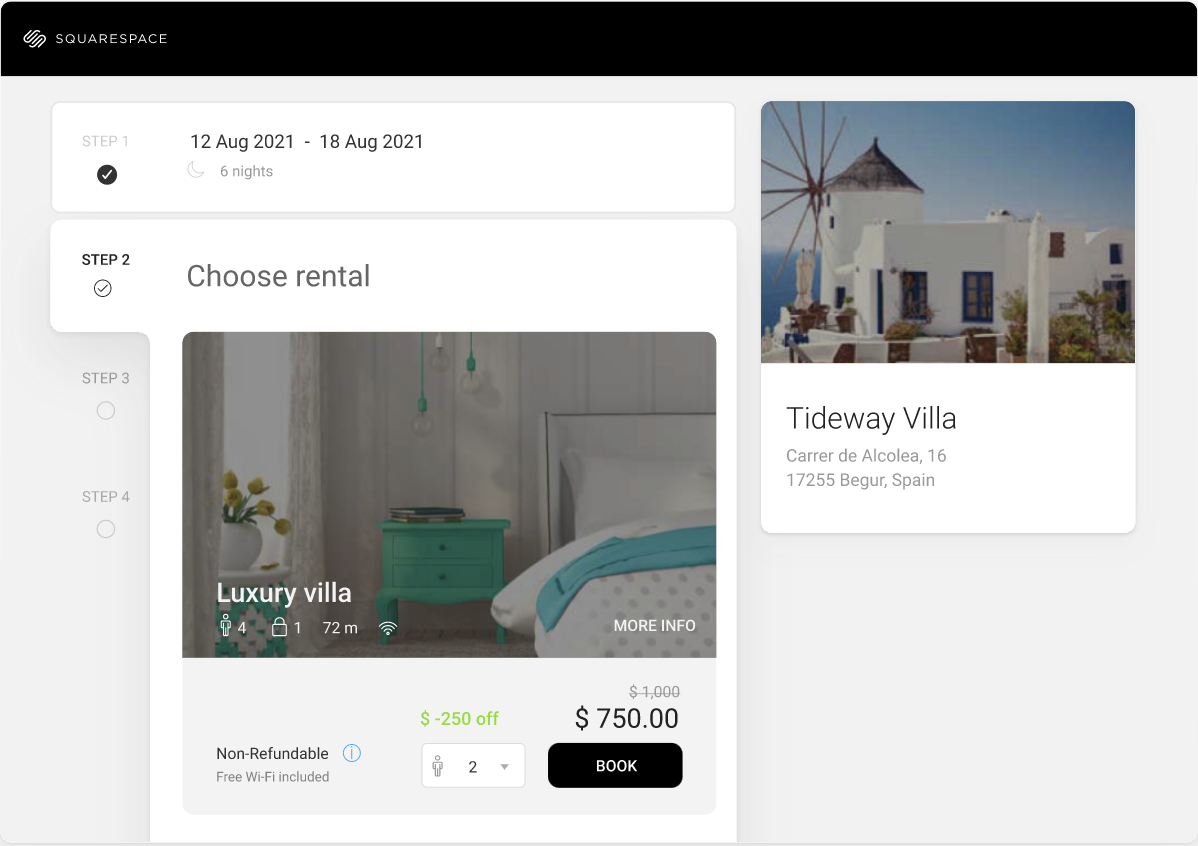
10 Best Squarespace Airbnb & Vacation Rental Templates (2025)
"If you're looking for the best Squarespace Airbnb template, short-term rental website template, or a Squarespace accommodation website, this guide has you covered. Whether you manage a vacation rental, boutique hotel, or serviced apartment, having a professional website helps attract more guests and secure direct bookings. In this guide, we’ll explore the top Squarespace templates for vacation rentals, including built-in and third-party options that help you create a stunning, high-converting rental website.
1. Suffolk

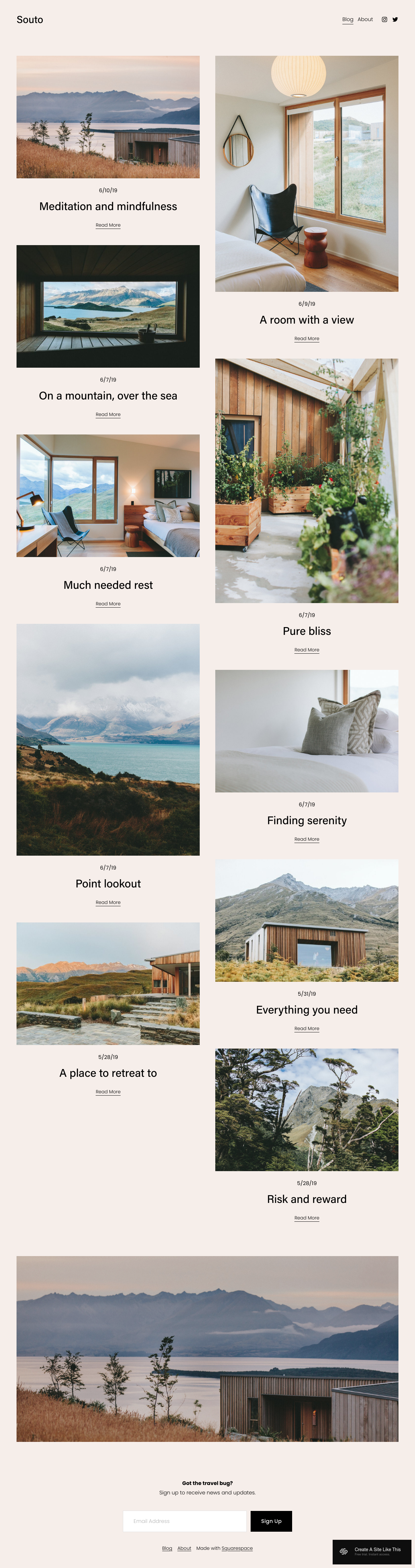
Suffolk is designed for boutique hotels and bed & breakfasts, making it a great option for vacation rental properties. With its clean layout and customizable features, you can easily modify this template to showcase your rental properties and provide essential information for potential guests.
2. Cailles

Cailles is designed for real estate agents and brokers to showcase their listings. You can easily adapt this template to display multiple vacation rental properties or focus on a single property.
3. Palermo
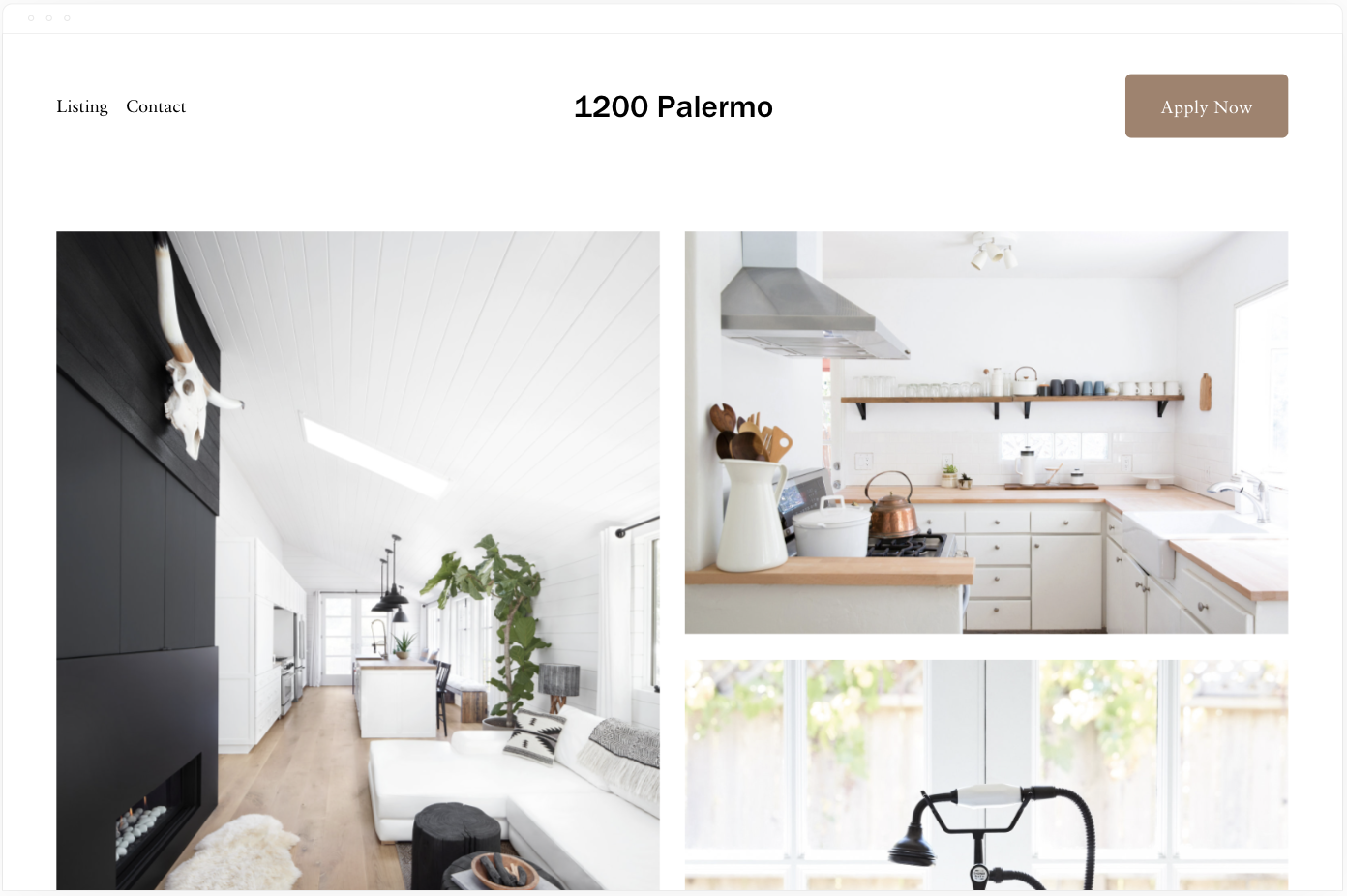
Palermo is another real estate listing template that can be adapted for vacation rental businesses. With its clean design and customizable features, you can create a website that highlights your property and provides all the necessary information for potential guests.
4. Hidano
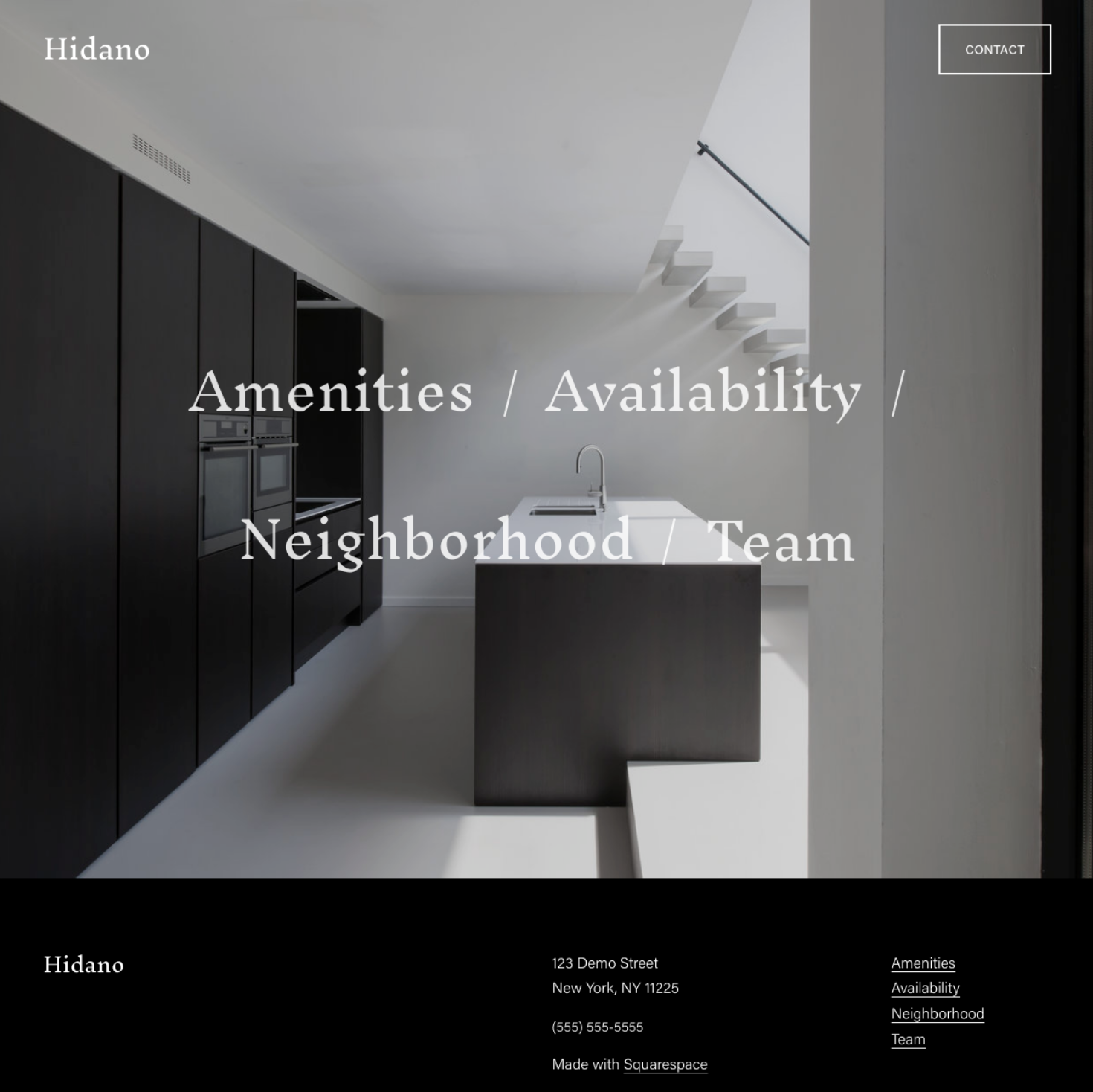
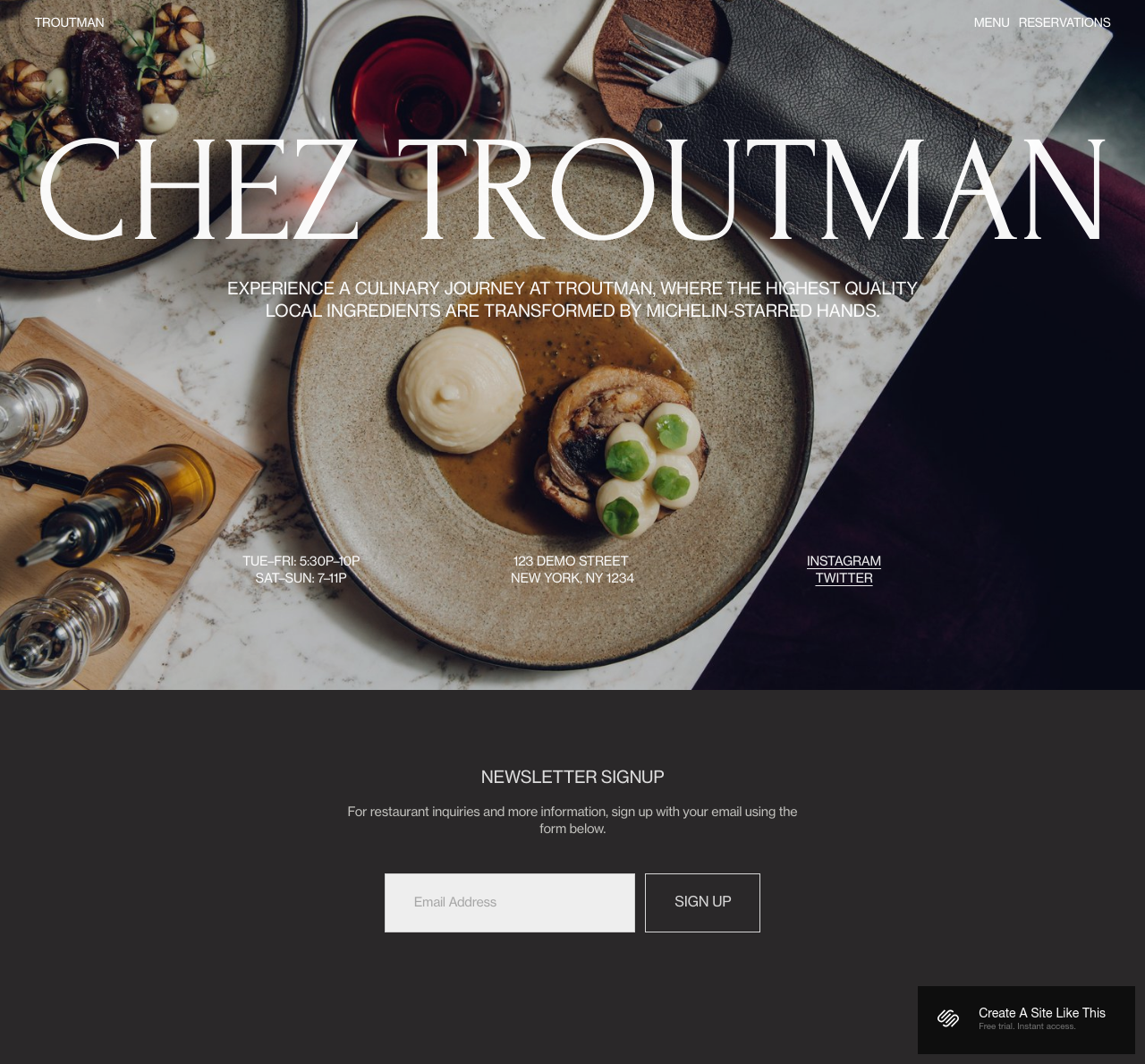
This template features a full-screen hero image and a minimalistic layout, suitable for showcasing vacation rentals with high-quality photography and detailed descriptions.
Third-Party Squarespace Vacation Rental Templates
These are paid templates, designed by Squarespace website designers.
1. Sojourner Template

Sojourner is a bright and inviting StoryBrand-ready website template designed for businesses in the travel or short-term rental industry. With its large images and warm patterns, this template provides a simple, modern feel that helps set your site apart and engage visitors.
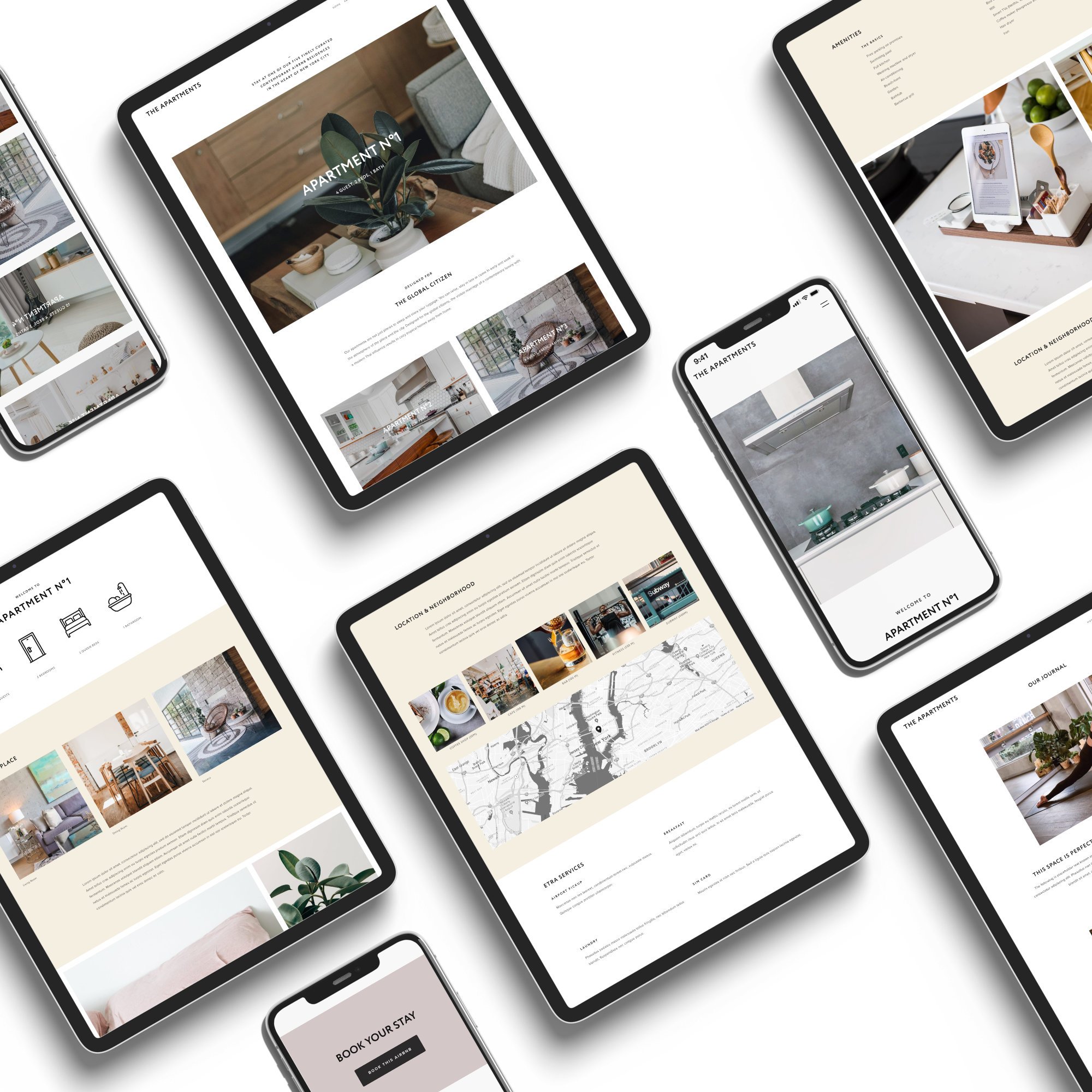
The Apartments is a clean, modern template designed for vacation rental home and Airbnb owners. With its customizable features, you can create a website that beautifully presents your accommodation options to discerning travelers.
3. Exurban

Exurban is a modern, strategic, and clean Squarespace Fluid Engine Template designed for service-based businesses, including vacation rentals. With its structured layout, use of galleries and videos, and calls to action, this template is perfect for a refined and modern brand.
4. Miso

Miso is a simple and elegant Squarespace template that can be easily customized to suit your vacation rental business. With its clean design and easy-to-use features, you can create a stunning website that showcases your properties and provides all the necessary information for potential guests.

North Pine Cabin is a fully-customizable Squarespace template designed specifically for cabin rentals, Airbnbs, and other vacation rental businesses. Create a beautiful website for your vacation rental property quickly and easily.
6. The Marfa

The Marfa is a unique and stylish website template for short-term rentals that will make your home stand out. With its cool design and easy-to-customize features, this template is perfect for any Airbnb or short-term rental business.
7. Atlas

Atlas is a strategic Squarespace template designed specifically for seasonal rentals. With its minimal yet robust layout, this template offers 6 custom page layouts to help you grow your bookings. Wind & Salt will customize your content in the template, and it also includes a fully integrated booking system.
Looking for more booking functionality?
Lodgify's vacation rental website templates effectively convert visitors into bookings, catering to properties of all types and sizes. These high-quality and customizable templates are tailored for the short-term rental industry, ensuring a professional and visually appealing design that showcases property information, rates, availability, and amenities.
With no technical experience needed, users can quickly create a website with a reservation calendar and booking form. In addition, the templates are optimized for SEO and mobile devices, ensuring easy discoverability and navigation across devices. Choose a Lodgify template to simplify the website-building process, enhance your brand, and increase bookings for your vacation rental properties.

Whether you choose a built-in Squarespace template or a third-party template, the key to creating a successful vacation rental website is customization. By adapting these templates to showcase your properties, provide essential information, and create a seamless user experience, you can attract potential guests and grow your vacation rental business.






The Untaught Way to Write Proposals That Get Read, Respected, and Approved
When I first started freelancing, I thought I had it figured out.
I'd just landed one of my first big projects, and I bought this freelance course on pricing. The bonus? A "$20K Proposal Template."
I remember thinking, This is it. Once I start sending this thing out, I'm going to close bigger projects left and right.
But that's not how it went.
The Template Myth
Designer A: "Wait, so templates don't work? I've been thinking about creating some kind of standardized process..."
Here's the thing: there IS an ideal proposal structure. It's the same framework as any good sales message:
Why are you here? (The problem they need solved)
Why are we the ones to do it? (Your unique position/experience)
What are we going to do? (The solution/process)
What it's going to do for you (The outcomes/benefits)
What it's going to cost (Investment/timeline)
That template works. I've used variations of it for years.
But that template is worthless without the prep work that makes it land.
What closes deals isn't the formatting or how pretty your PDF looks. It's trust. It's how well you know the person on the other side of that document—and how much homework you've done before you ever open that template.
Consultant B: "This makes sense - my clients do see me as a partner. But how do I build that trust BEFORE the proposal stage?"
The Real Work Happens Before You Write
Most people think proposals are about writing. They're actually about research and relationship-building.
If you want your proposals to work, you've got to know:
What they value
What frustrates them
What they're worried about
How their last project went—and what they don't want to repeat
Designer C: "But how do I find this information out? I'm struggling to even get leads in the first place."
Designer D: "I do this on calls already, but how do I systematize this research process?"
Without that intel, your proposal is a shot in the dark. And that's exactly what most RFPs feel like: a blind brief, asking you to make promises with almost no information.
Designer A: "Exactly! This is why I hate cold outreach - I don't know anything about them."
Start Where Trust Is Easiest to Build
Here's the part people don't like to hear: Start local.
Your goal should be that no one in your town, city, or county could say, "I've never heard of them." You should be the obvious choice in your backyard first.
Designer C: "How do I become known locally when I'm just starting out? This feels like a chicken-and-egg problem."
Designer A: "But I'm in a smaller area - are there enough high-value clients locally?"
That way, when a company has to decide between you and someone halfway across the country, it's no contest. Local trust compounds. Build it before you try to go national.
Designer D: "I get referrals locally, but it's unpredictable. How do I make local visibility more systematic?"
Turn Every Opportunity Into Market Research
Most people look at RFPs and see one project. I look at them and see a map.
Example: I found an RFP for a county in Maine. I checked who built their current site, then looked up other sites built by that same company. Half of those sites needed a redesign too.
Designer A: "This is brilliant! But where do I even find RFPs? And how much time should I spend on this research vs. actual client work?"
That one RFP revealed a whole list of opportunities no one else was talking about—and none of those organizations had even issued an RFP yet.
Designer C: "This sounds like a great lead generation strategy, but how do I execute this practically?"
The same principle applies everywhere: business owners are sitting on redesign needs right now. They're unhappy with their site, but they're dreading the process of finding someone they trust.
Designer A: "But what do I say? I've tried cold outreach and it feels so awkward."
Consultant B: "How do I approach these companies without it feeling salesy?"
That's why proactive outreach is one of the lowest-hanging fruits in our industry. A thoughtful message, a simple observation, or even just offering to take something off their plate goes a long way.
Designer D: "How do I identify who needs help without coming across as pushy?"
The Payoff: Proposals Become Confirmations
By the time your proposal hits their inbox, the decision should already feel easy.
Your proposal isn't there to convince them. It's there to confirm what they already feel: that you're the right choice.
Designer A: "But how do I build that trust beforehand? Especially when I don't have a big email list or social following?"
You probably already have a process you run every time you start a project—audits, sitemaps, metadata, content reviews. Start moving pieces of that process upfront. Show that you've already done some homework, and you'll stand out immediately.
Designer D: "I already do this during my design week, but clients don't see it. How do I showcase this work earlier?"
Designer A: "This is exactly what I do! But how do I present this without giving away too much for free?"
Consultant B: "Should I be doing mini-audits before even getting on calls with prospects?"
The more trust you build ahead of time, the easier every "yes" becomes.
This is just a preview of a guide I'm working on called The Untaught Way to Write Proposals That Get Read, Respected, and Approved.
The full guide will walk you through exactly how to become the obvious choice—without obsessing over fancy templates.
All four: "When is this coming out? This addresses exactly what I'm struggling with - the marketing and sales side that feels unpredictable."
Join the waitlist here to be the first to get it.
Inside $10k+ Web Design Leads: What You’ll Actually Find
I just analyzed my latest RFP database, and honestly? Even I was surprised by what we've uncovered.
104 qualified opportunities. $6-8 million in total project budgets.
But here's what really matters for your business...
Where the Money Actually Is
The Sweet Spot: $25K-$50K Projects (36% of opportunities)
These are serious organizations with real budgets:
Kentucky FFA Foundation: $30K-$45K website redesign
Anne Arundel Economic Development: $60K-$140K municipal site
Midwest Transplant Network: $45K-$65K full redesign
Austin Community College: $200K-$400K (yes, you read that right)
Budget Breakdown:
Under $10K: 10% (perfect for building relationships)
$10K-$25K: 21% (solid recurring work)
$25K-$50K: 36% (the goldmine)
$50K-$100K: 18% (premium positioning)
$100K+: 14% (enterprise opportunities)
Who's Actually Hiring
Government & Municipal (25%) Cities, counties, economic development authorities. These pay well, pay on time, and often become repeat clients. Think City of Ventura ($120K-$150K) or Battery Park City Authority ($80K-$120K).
Nonprofits & Associations (30%) Foundations, advocacy groups, professional associations. They value long-term relationships and often refer other nonprofits. Recent example: ArtsConnection NYC ($100K for website overhaul).
Education (20%) Universities, colleges, school districts. Technical requirements but excellent for building credibility. Like Ocean County College's $50K-$100K performing arts center site.
Healthcare & Arts Organizations (25%) Specialized sectors with unique needs and decent budgets. Midwest Transplant Network and NAMI Chicago are recent examples.
What They're Actually Asking For
Website Redesigns (40%) Complete overhauls of existing sites. These organizations know what they want—they just need someone who can execute professionally.
New Site Builds (25%) Ground-up development projects. Often the highest budgets because there's more scope for discovery and strategy work.
Municipal/Government Sites (15%) High-compliance projects requiring ADA accessibility, security standards, and often CMS training. Premium pricing justified by specialized requirements.
Platform-Specific Work (10%) Squarespace, WordPress, Drupal migrations and customizations. Great for specialists.
Ongoing Support & Maintenance (10%) Monthly retainer opportunities. Enterprise Community Partners offers $8K-$12K/month for ongoing support.
The Geographic Goldmine
United States (53%) Heavy concentration in California, New York, Texas, Illinois. Municipal contracts especially strong on West Coast.
Canada (18%) Ontario, British Columbia, Alberta leading. Often less competition than US markets.
Remote/International (5%) Global organizations open to remote teams. Higher budgets, fewer geographic restrictions.
Real Project Examples (From This Month)
City of San Buenaventura, CA
Budget: $120K-$150K
Scope: Complete municipal website redesign
Requirements: Enhanced accessibility, responsive design, community input integration
This is what a premium municipal contract looks like
Alexandria Economic Development Partnership
Budget: Up to $250K
Scope: Messaging framework, website redesign, marketing collateral
Timeline: Phased approach with video production
Multi-phase projects = ongoing revenue
Enterprise Community Partners
Budget: $8K-$12K monthly + $200K-$250K redesign
Scope: Ongoing support with future full redesign
The holy grail: monthly retainer + project work
Vote16USA
Budget: $7,500
Scope: National hub + state/city microsites
Deadline: Quick turnaround (Oct 1 launch)
Smaller budget but network potential
How to Actually Use This Data
So how do you actually use this data? If you’re looking for revenue right now, pick 5 to 7 projects that fit your budget and skillset, and go deep on those. You don’t need to apply to everything—winning RFPs is about precision, not volume.
For your pipeline over the next month or two, look at organizations that aren’t ready yet but probably will be soon (especially gov agencies—they tend to follow annual refresh cycles).
And if you’re thinking longer-term, use these budgets to position yourself. Saying something like “Most orgs budget $45K–$65K for this kind of scope” shifts how clients see you. One more thing: if you’re developing your services, notice the patterns. Things like ADA compliance, CMS training, and ongoing support show up in over 80% of these RFPs. That’s not random—that’s demand.
The Bottom Line
Conservative math: 5% win rate on 104 opportunities = 5 projects won Average project value: $45K Potential revenue from this single source: $225K
The list pays for itself with one mid-range project.
But here's the real value: this isn't just a lead list. It's market intelligence that reshapes how you price, position, and pursue web design work.
Most freelancers are competing on Upwork for $2K websites. These organizations are budgeting $25K-$50K for the same work.
The difference? They know where to find the real opportunities.
Want access to fresh opportunities like these every month? Subscribe to $10K Web Design Leads and stop competing on price.