How to Connect Convertkit to a Squarespace Button without using Zapier
Problem
Convertkit is my go to Email Marketing tool for this site but integrating it seamlessly isn't as easy as MailChimp. Most solutions recommend using a combo of Google Sheets and Zapier but this tweak skips that and allows you to use some built in Convertkit functionality.
Solution
1. Create a Button somewhere on your site and copy the code. It'll have all the classes you need to create your own button.
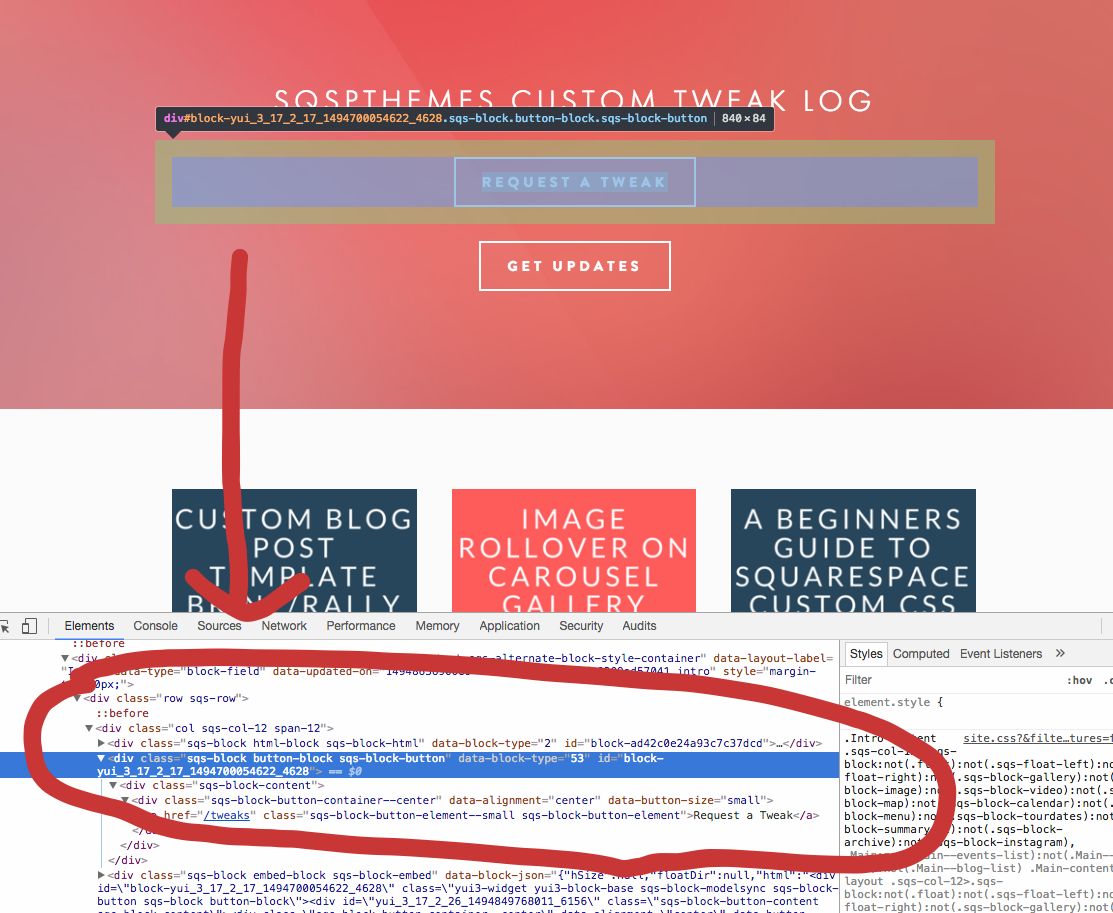
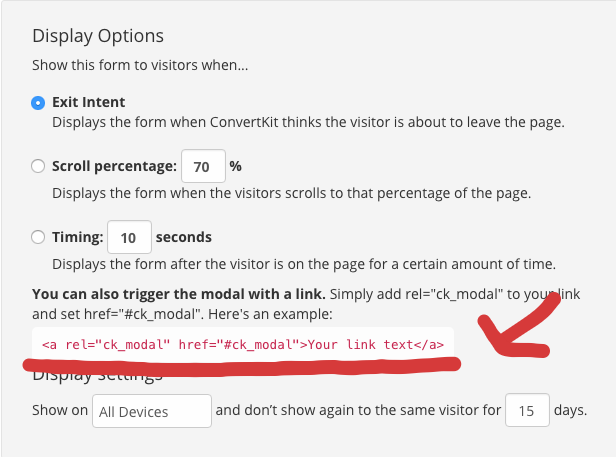
2. Paste that code in an HTML or Embed block and include your link text. It will look something like this:
<a rel="ck_modal" href="#ck_modal" class="sqs-block-button-element--small sqs-block-button-element">Get Updates</a>
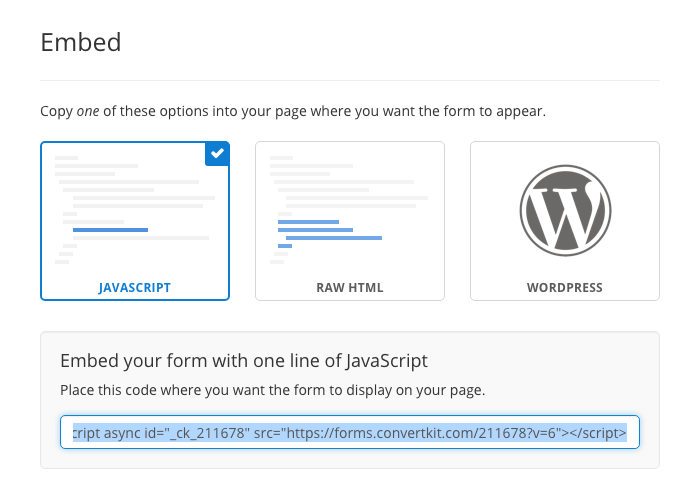
3. Include this script in your page settings header.
That's it!