Squarespace plugin developer Will Myers announced updates to three of his existing plugins, adding new functionality for website previews, sliders, and popups.
Here's what's changed and where the updates might come in handy.
1. Webpage Mockup Display: Automatic Scrolling
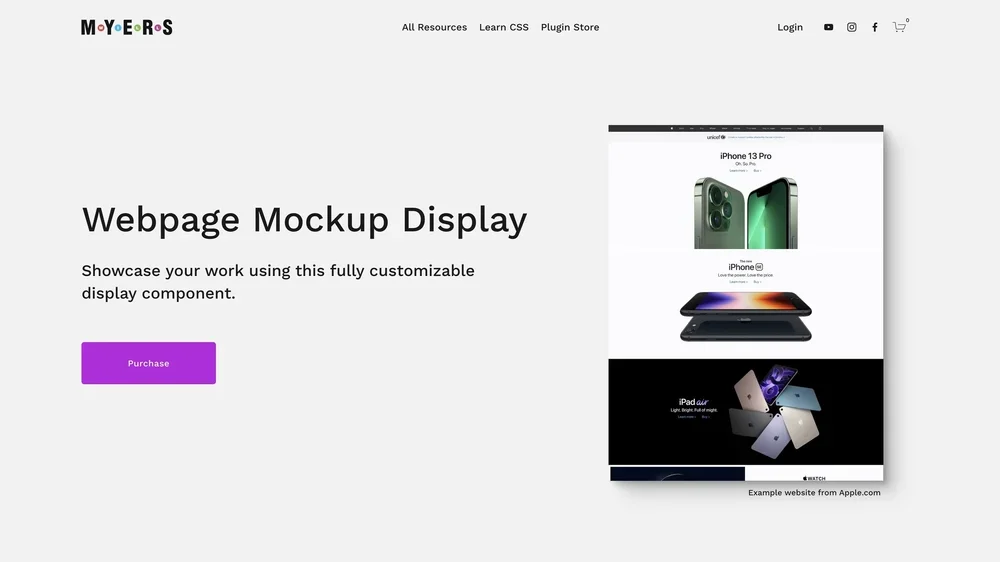
Webpage Mockup Display lets designers showcase websites using interactive screenshots.
Instead of displaying a long, static image of a completed website, visitors can scroll through the design inside a mockup.
The latest update adds automatic scrolling, allowing the preview to move through the website without requiring visitors to interact with it.
This could be particularly useful for portfolio pages, case studies, and template shops where designers want to show more of their work without taking up more space.
Explore Webpage Mockup Display
2. Section Slider: Shuffle Your Slides
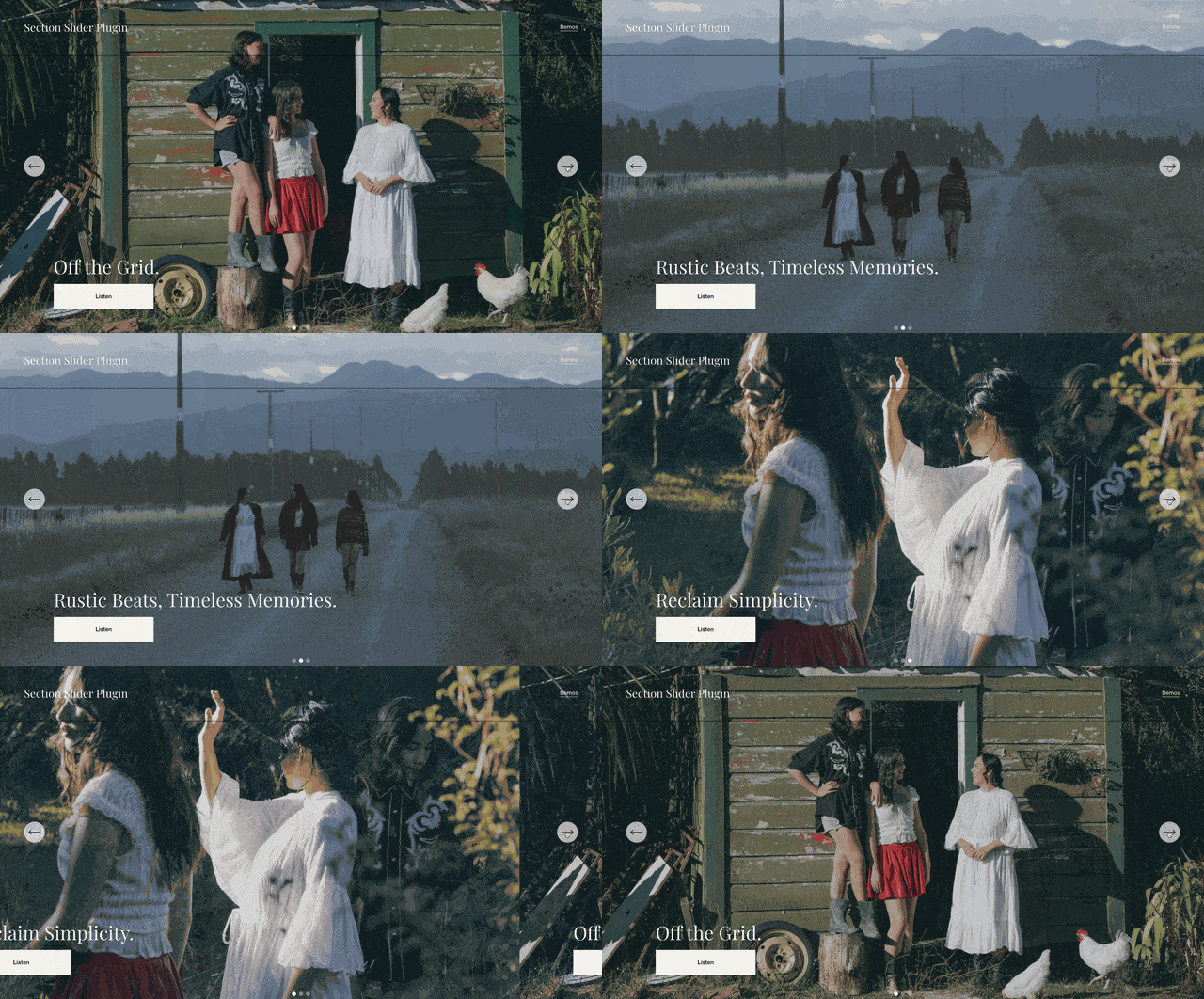
Section Slider turns regular Squarespace sections into an interactive slider.
Unlike a basic image carousel, it works with the content inside those sections, including text, images, and other blocks.
The new shuffle setting gives designers the option to vary the order in which slides appear.
It's a small addition that could be useful for rotating featured content or adding variety to a homepage.
3. Popups: Blog Comments Now Load Too
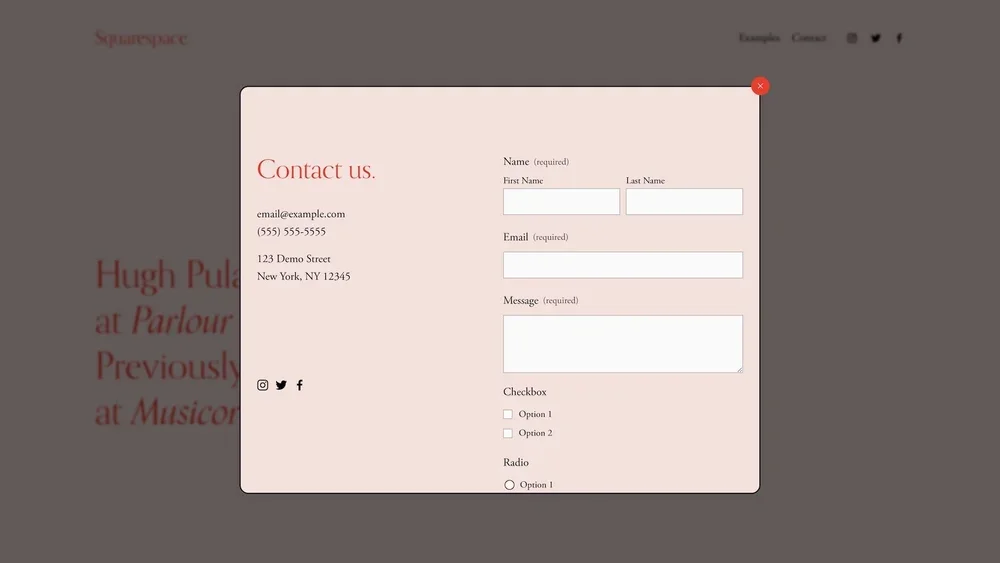
Will's Popup plugin allows Squarespace users to display content in a popup without sending visitors to another page.
That includes forms, videos, and blog posts.
Previously, displaying a blog post inside a popup didn't bring its comments along.
Now the comments load too.
That means visitors can view a blog post and its discussion directly inside the popup.
Small Updates, Useful Improvements
Will has been developing Squarespace plugins for years, and these updates are a reminder that his existing tools continue to evolve.
None of these are brand-new plugins. They're improvements to products designers may already be using.
You can explore all three, along with the rest of his catalog, at the Will Myers plugin store.