
Squarespace Plugins
Find the plugin for the Squarespace problem in front of you.
Add the features Squarespace does not include by default — accordions, sidebars, lightboxes, mega menus, product swatches, product videos, related posts, countdown timers, and more.
- Built for Squarespace 7.1 and select 7.0 templates
- Setup guides and video walkthroughs included
- Used by designers, DIY site owners, and small businesses
- Support available if you get stuck
Start Here
What are you trying to add?
Most people find our plugins because they are trying to solve one specific Squarespace limitation. Start with the feature you need, then choose the plugin that fits.
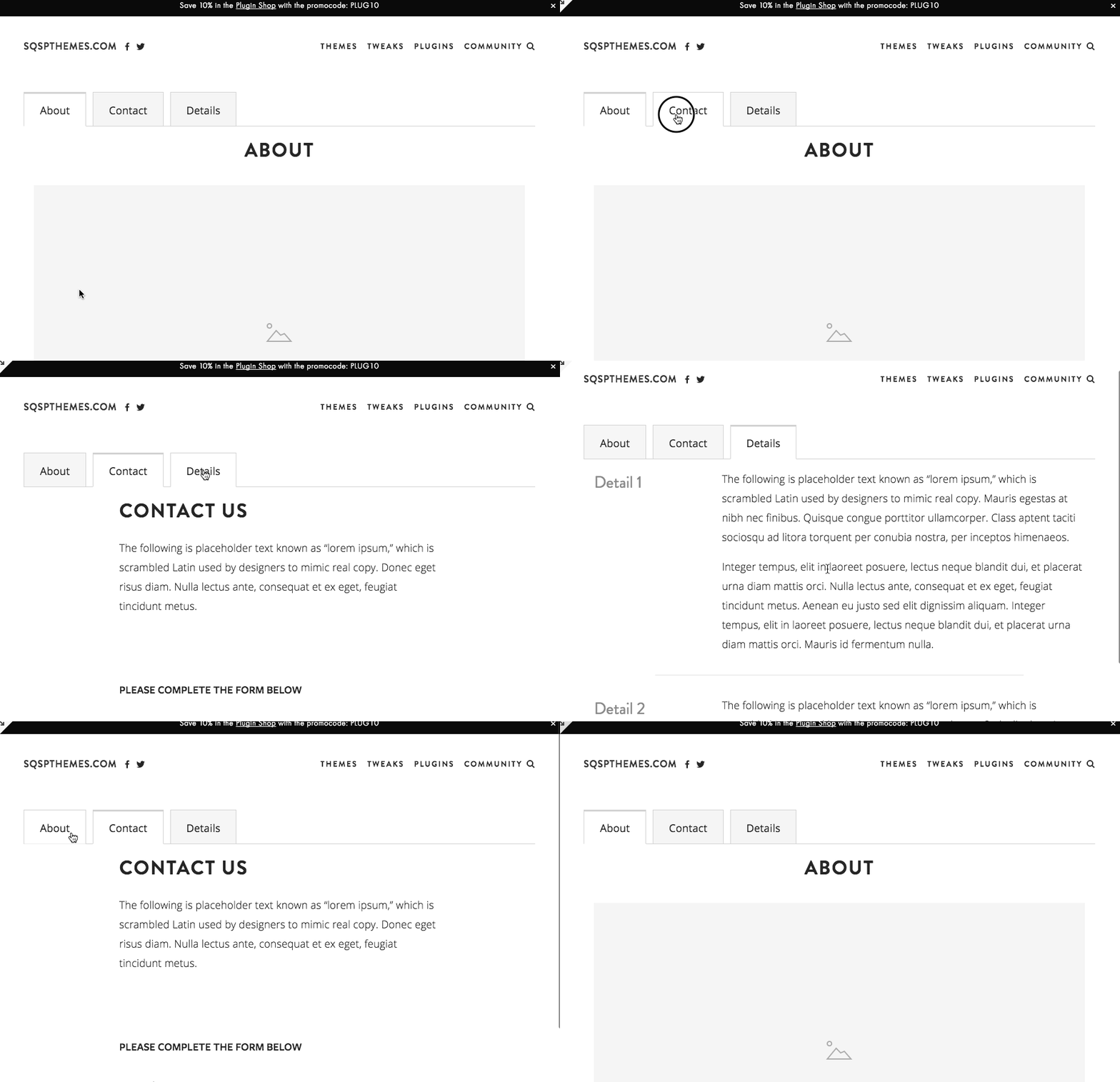
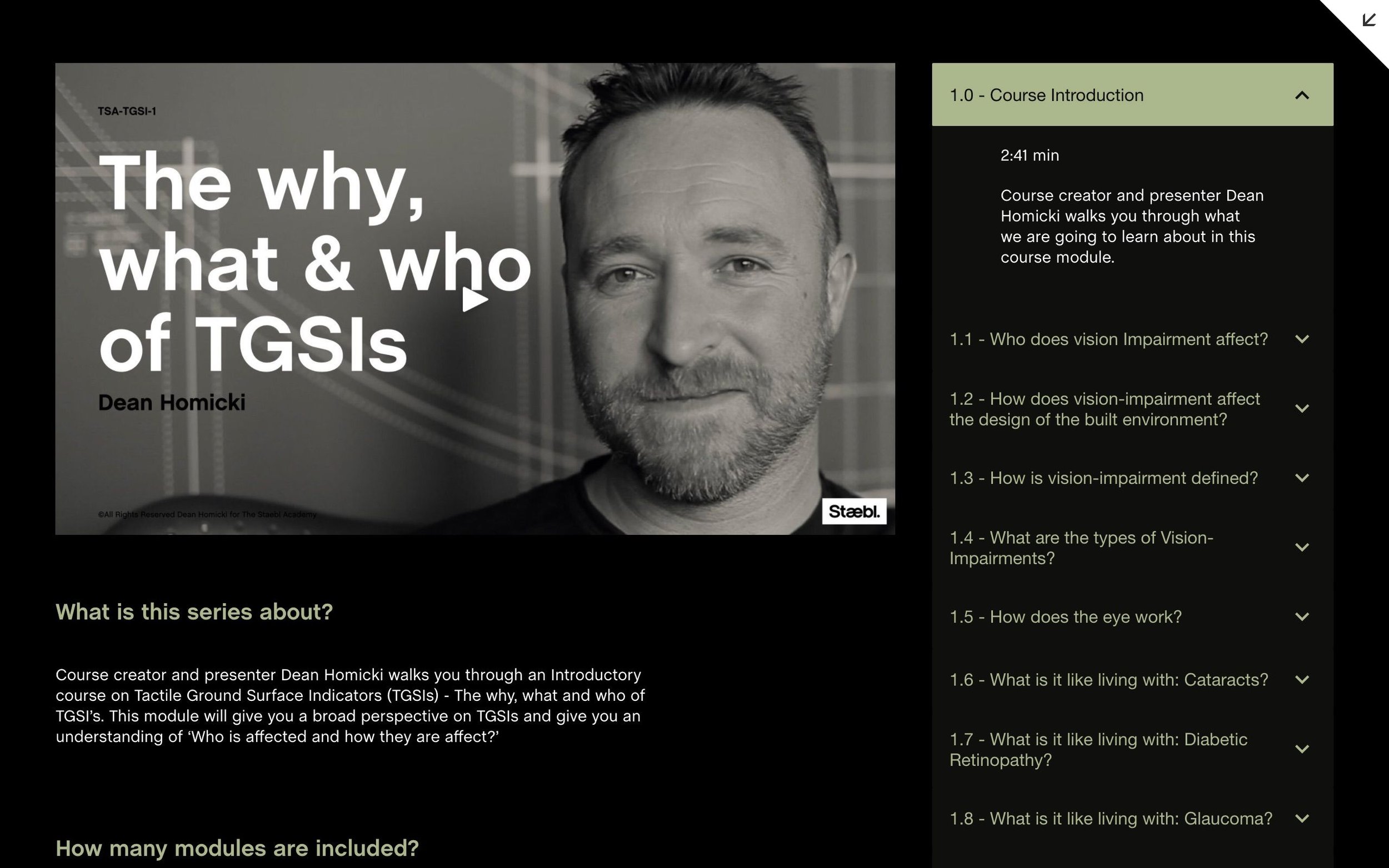
Add accordion tabs
For FAQs, pricing sections, service details, courses, resources, and long pages that need structure.
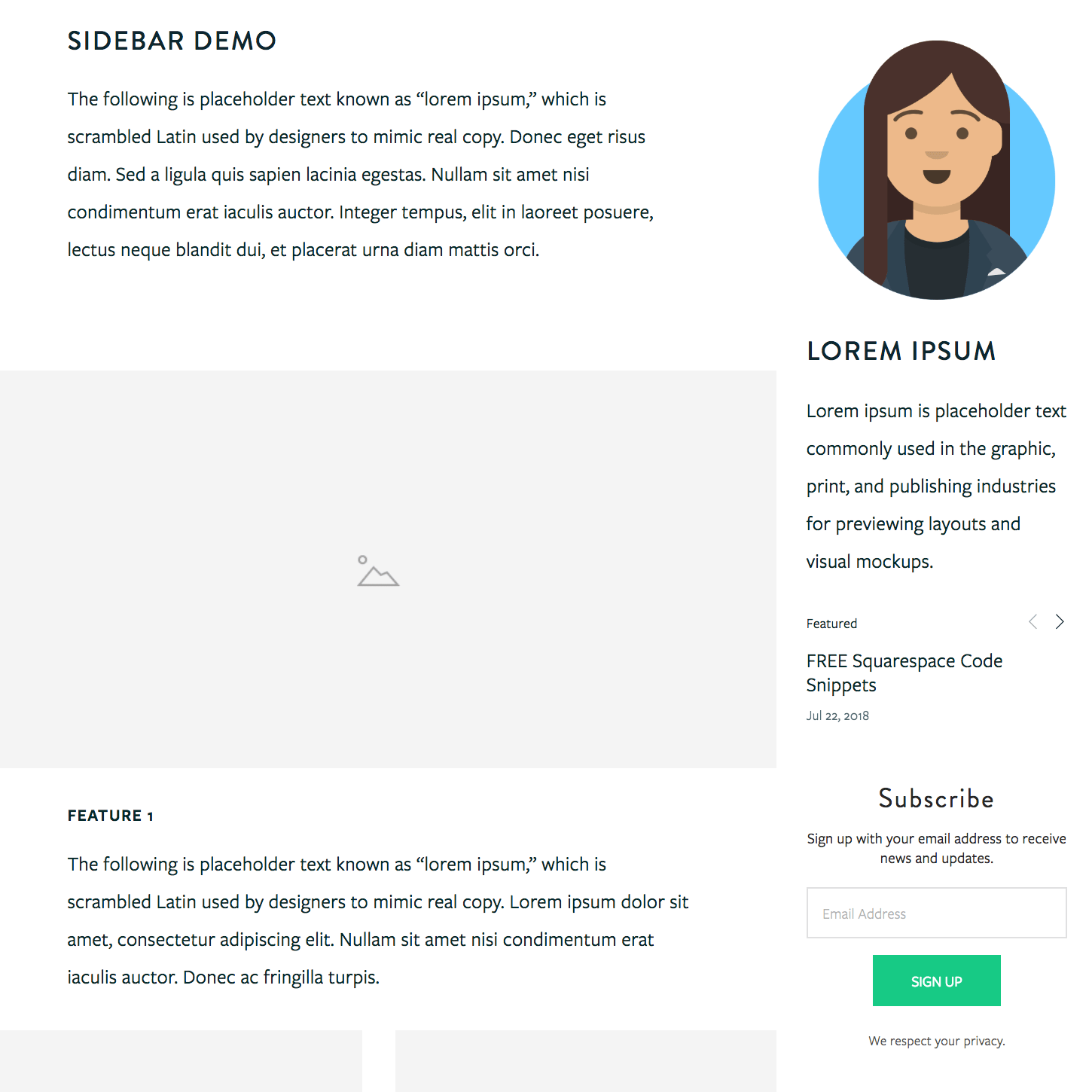
View plugin → Blog LayoutAdd a sidebar
For blogs, resource pages, promos, categories, author boxes, sponsor blocks, and sticky CTAs.
View plugin → LightboxAdd a lightbox popup
For forms, videos, galleries, promos, team bios, products, and custom content in an overlay.
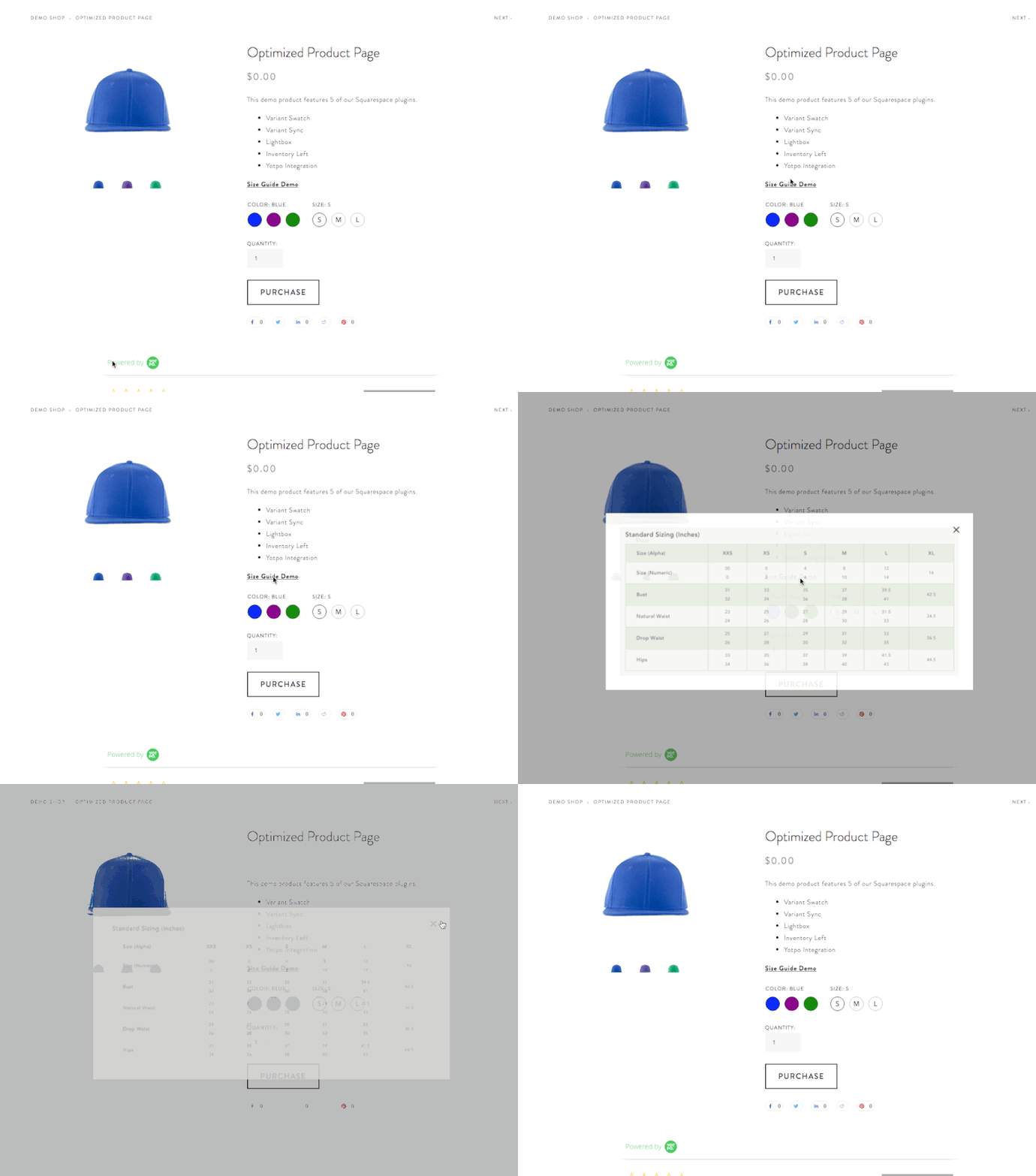
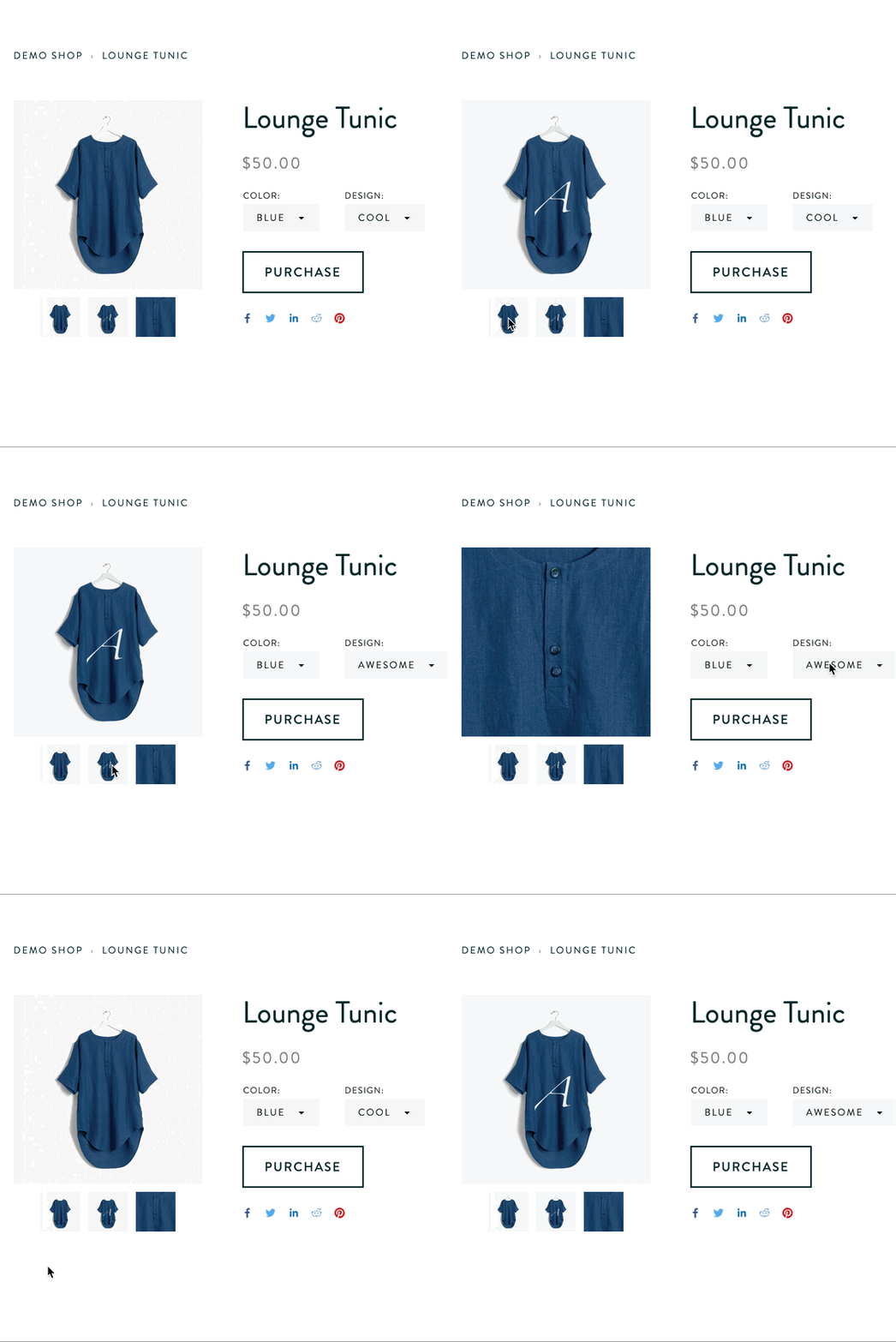
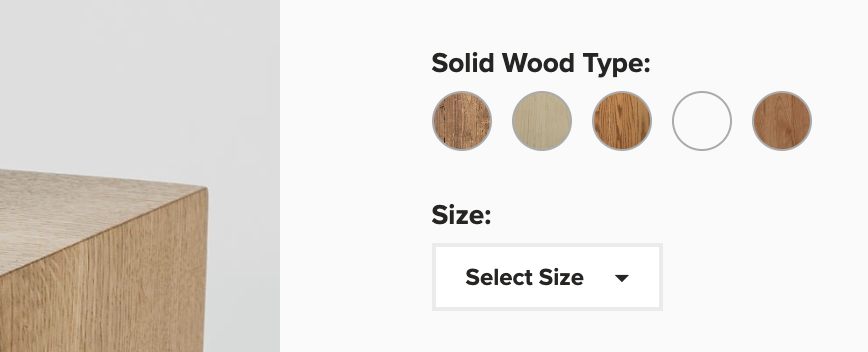
View plugin → CommerceAdd product swatches
For colors, fabrics, finishes, sizes, patterns, and visual product options that should not hide in dropdowns.
View plugin → CommerceAdd product videos
For showing products in action directly inside the product gallery on Squarespace commerce pages.
View plugin → NavigationAdd a mega menu
For larger sites with more pages, categories, featured links, and navigation paths.
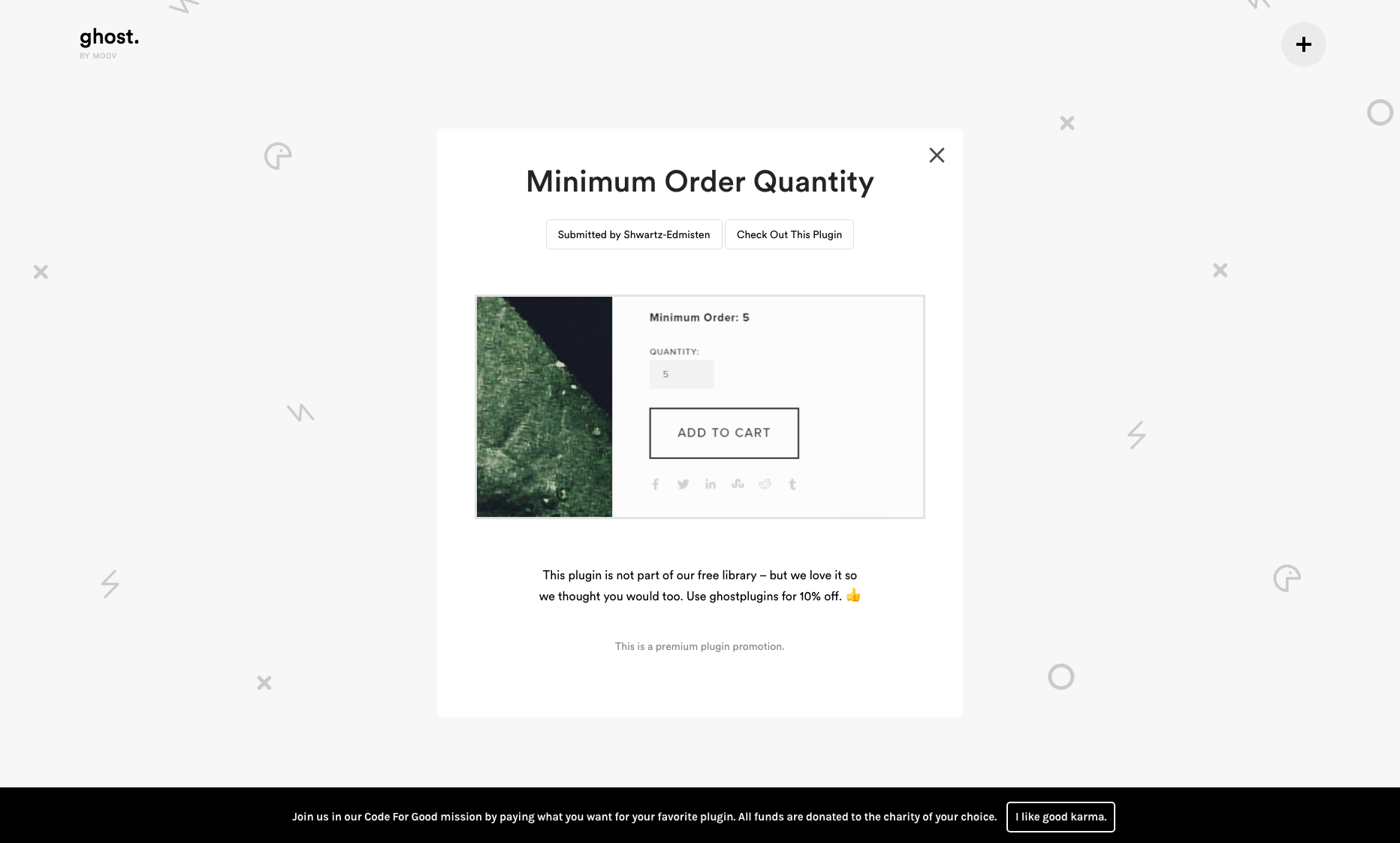
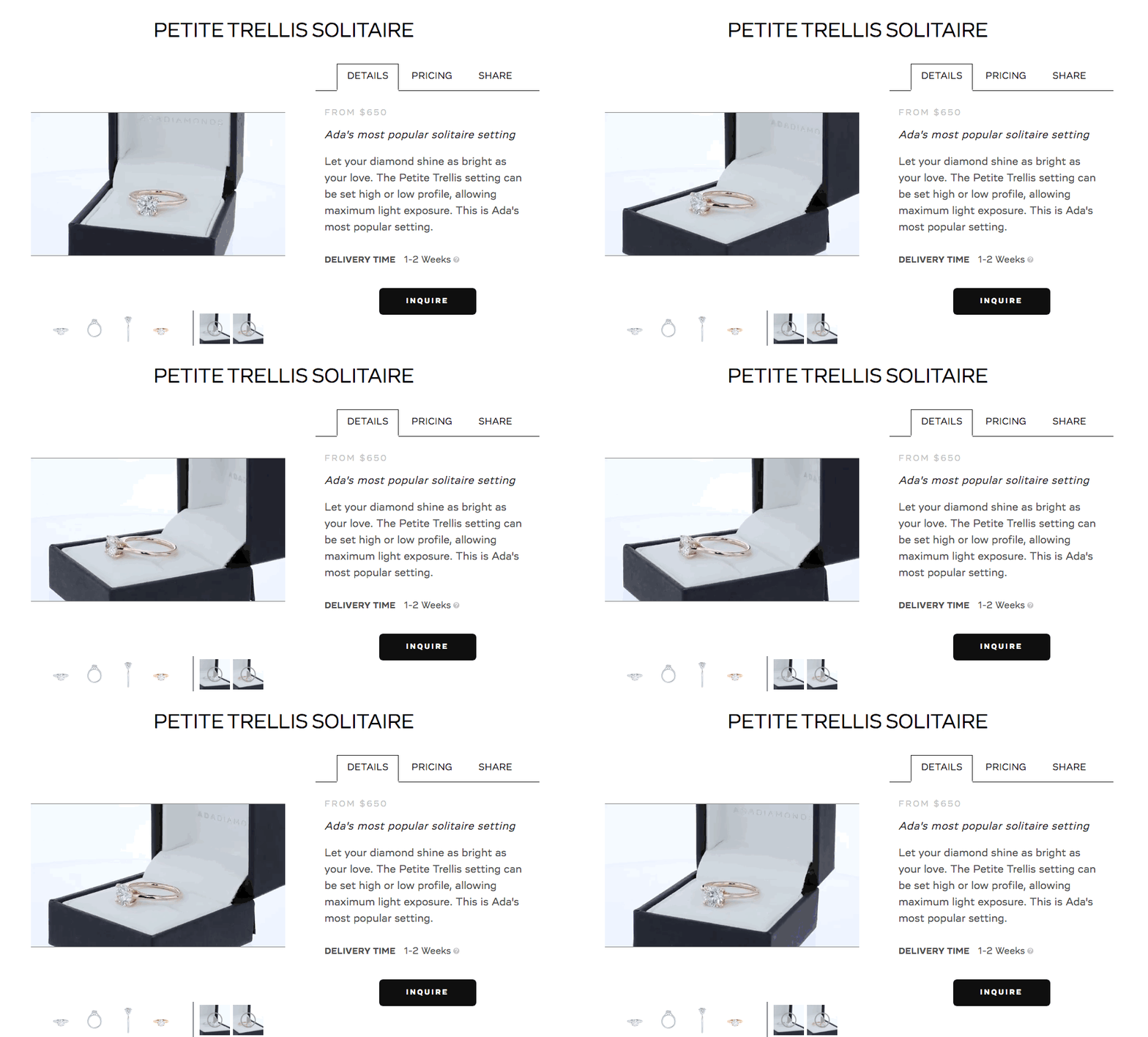
View plugin → CommerceShow inventory
For stock levels, low-stock messages, remaining quantity, and product-page urgency.
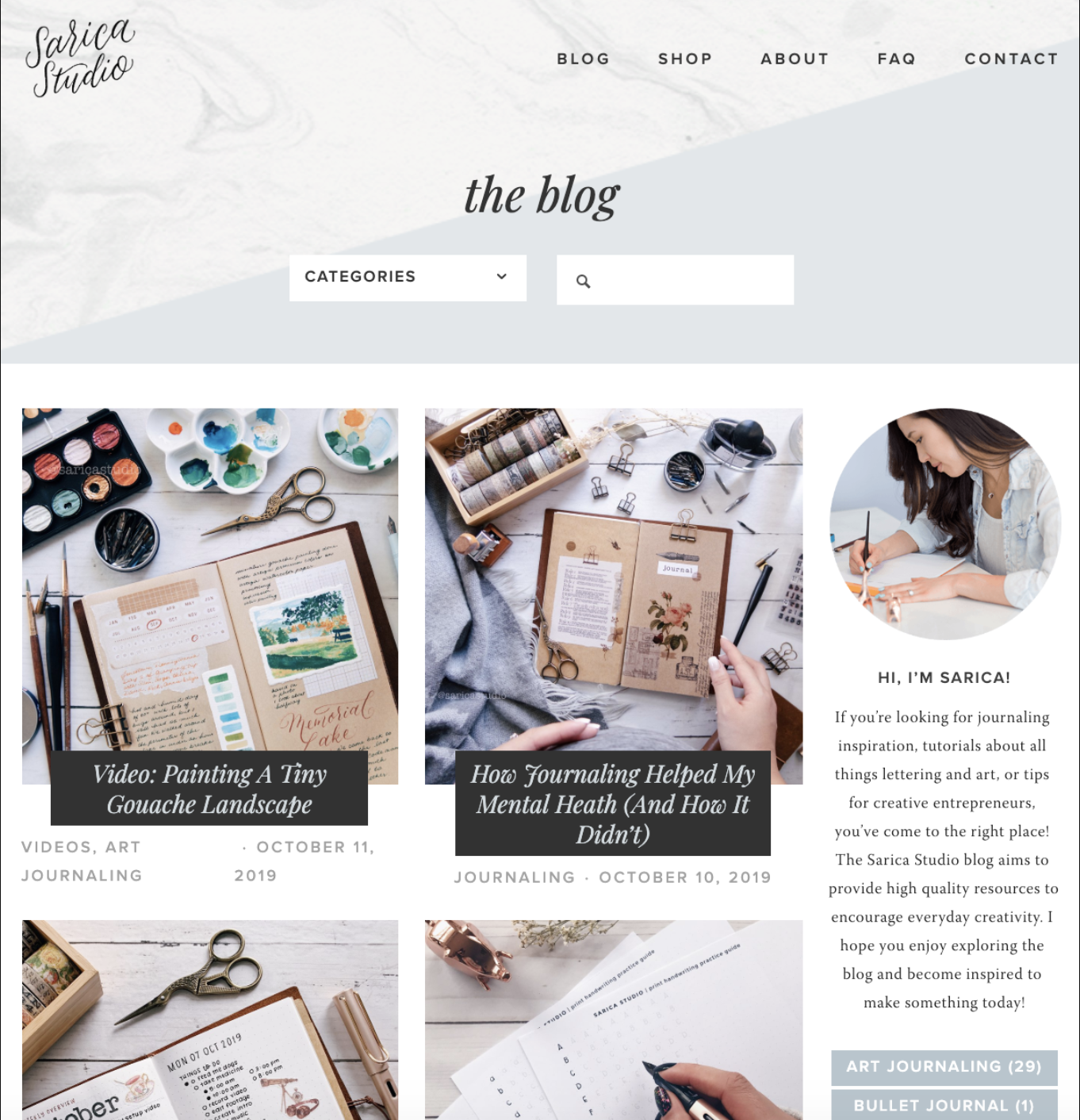
View plugin → BlogAdd related posts
For keeping readers moving through your blog with related content beneath each post.
View plugin →Customer Reviews
Loved by people who build on Squarespace.
Designers, DIY site owners, and small businesses use SQSPThemes plugins to solve real Squarespace limitations without rebuilding their sites from scratch.
Premium Squarespace Plugins
Filters































Request a Plugin
Don’t see the feature you need?
Tell us what you are trying to add to Squarespace. Many of our plugins started as real problems designers and site owners kept running into.
Need more than one plugin?
The SQSPThemes Plugin Bundle gives designers and site owners a practical toolkit for solving common Squarespace limitations faster.
FAQ
Squarespace Plugins FAQ
A few quick answers before you choose the plugin that fits.
What are Squarespace plugins?
Squarespace plugins are custom code enhancements that add features Squarespace does not include by default. They can improve layouts, navigation, ecommerce pages, blog features, popups, galleries, and more.
Do these work with Squarespace 7.1?
Many SQSPThemes plugins work with Squarespace 7.1, and some also support select Squarespace 7.0 templates. Compatibility details are listed on each product page.
Do I need to know code?
Most plugins include copy/paste setup instructions. You do not need to be a developer, but you should be comfortable following technical steps inside Squarespace. Some visual customization may require basic CSS.
What if I get stuck?
Each plugin includes setup guidance, and support is available if you need help. Send your site URL, the plugin you are using, and a clear description of the issue.